Posted tagged ‘Karin Gustafson’

Outside the Train Window. App-loaded. Mini How-to With Elephant.

June 11, 2011

20110611-035157.jpg

Followers of this blog know that I’ve become a little “App-happy” since getting an iPad 2 earlier this year. I openly disclose that a part of my obsession may arise from being an Apple stockholder: I am anxious to believe in the company’s products just so I don’t have to make any decisions about selling the stock.

In my defense, the “Apps” that have been of particular interest to me of late are not Apple products, but they do give the iPad a lot of possibilities.

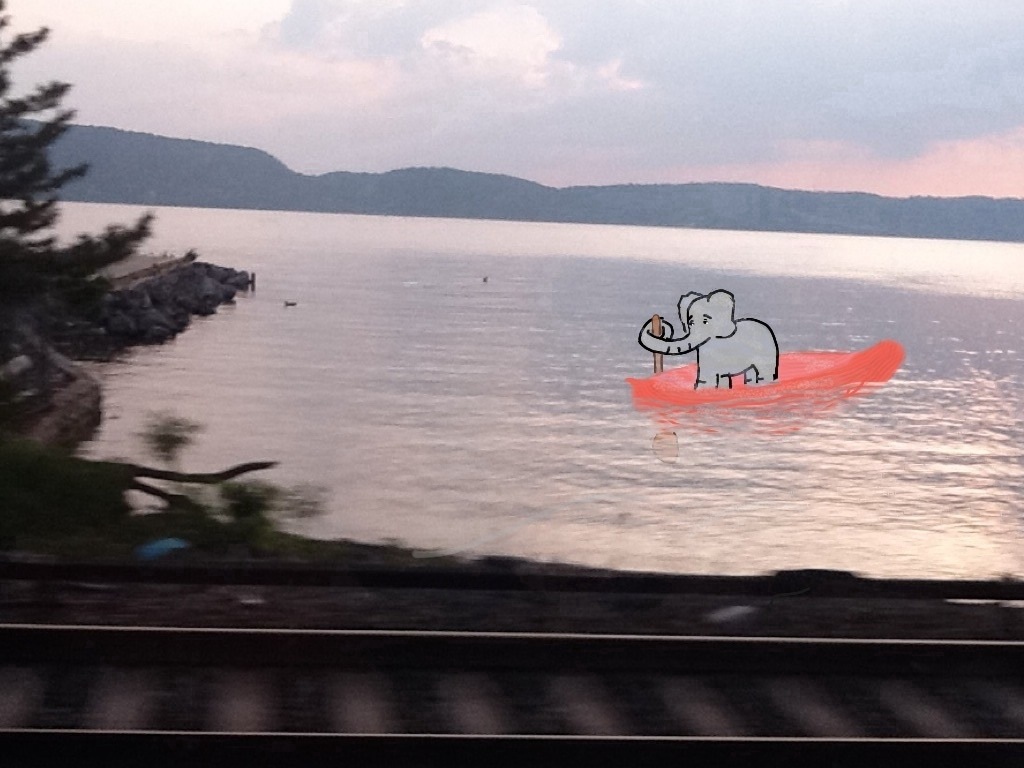
The picture above was a photograph taken from the MetroNorth train going up the Hudson. Admittedly, the camera on the iPad 2 is not great. It’s even worse when used on a moving train, and worse still when used by me. (I’m still not exactly clear where the lens of the camera is located.) Plus the screen is so glossy and my eyes are so bad I can’t always see the image I am shooting. In this case, I didn’t even try. I just stuck the iPad over my head so that I had a hope of not filming the window frame.

Then I took that image, transferred it to the Brushes App, a finger painting app, and for lack of a better idea, drew an elephant in it. That’s the first picture below. (I was proud of myself for using the eraser function on the app, to make it look like the boat and oar were slightly underwater.)

THEN, I moved the painted photograph to the Photogene App to try some of the Photogene filters. Mixtures of finger painting and photograph often have a weird Roger Rabbit aspect especially with an unskilled artist (like myself). But the beauty of the Photogene filters are that you can stylize the entire piece so that the differences between the photo and the finger-painting diminish. The second one below was done with the “Posterize” filter.
20110611-035530.jpg

20110611-035758.jpg

Yes, a bit hackneyed. Still, cool!
Circus Animals? Appy Friday!

June 10, 2011

20110610-080519.jpg

End of long hot week. Glad it’s over. I know this picture doesn’t really relate to any of that, but rather my personal fascination with elephants, dogs, and iPad Apps. This one uses Brushes, Sketchbook Pro, and the updated Photogene App, which allows you to make little strokes of light. Above, the strokes are pretty subtle and perhaps not fully carried through. Still, I’m hoping they look like beams from either an opening in the tent, or maybe circus lights (ha!), I’m not sure I’ve succeeded. Interesting tools though. Have a great weekend.

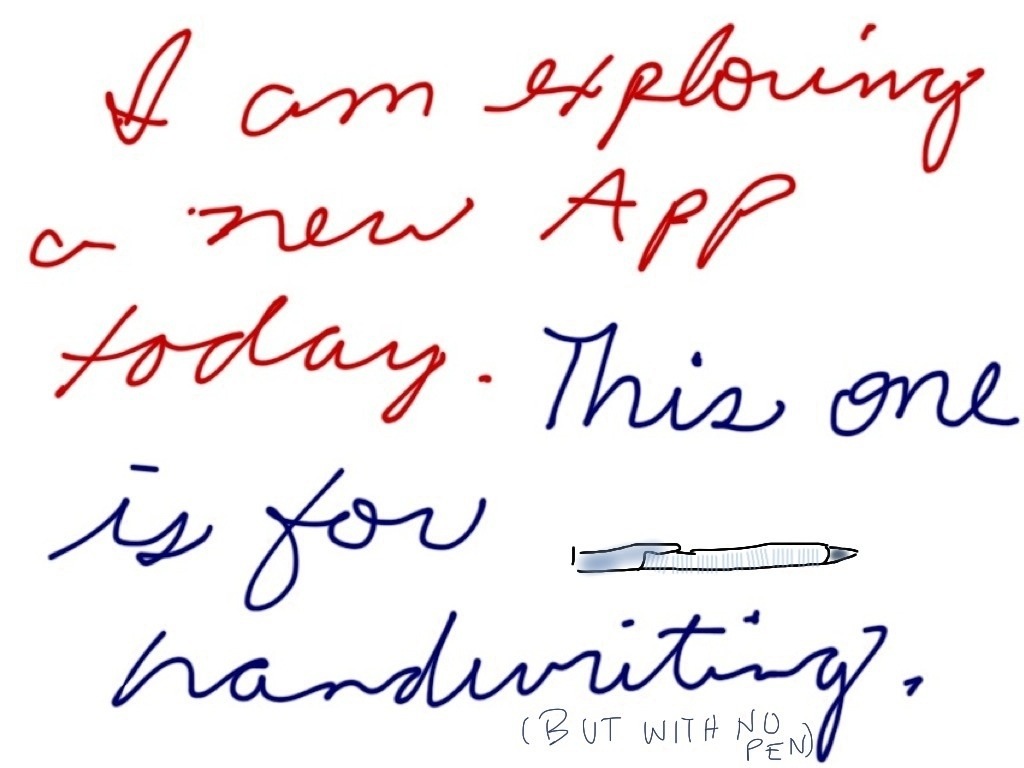
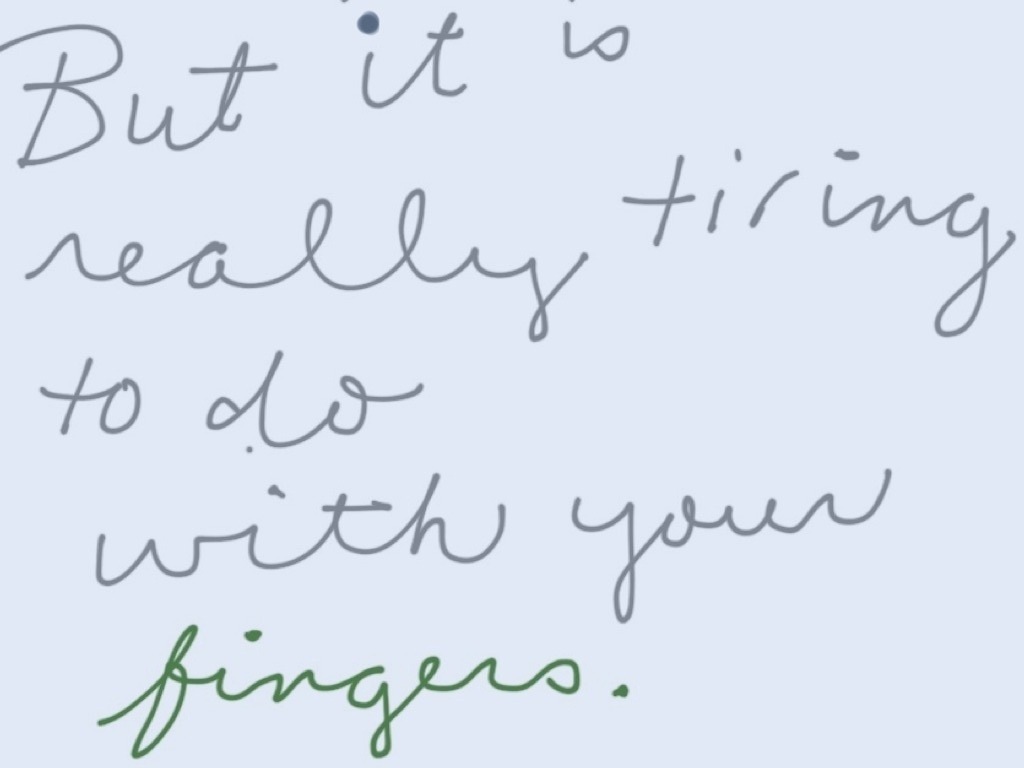
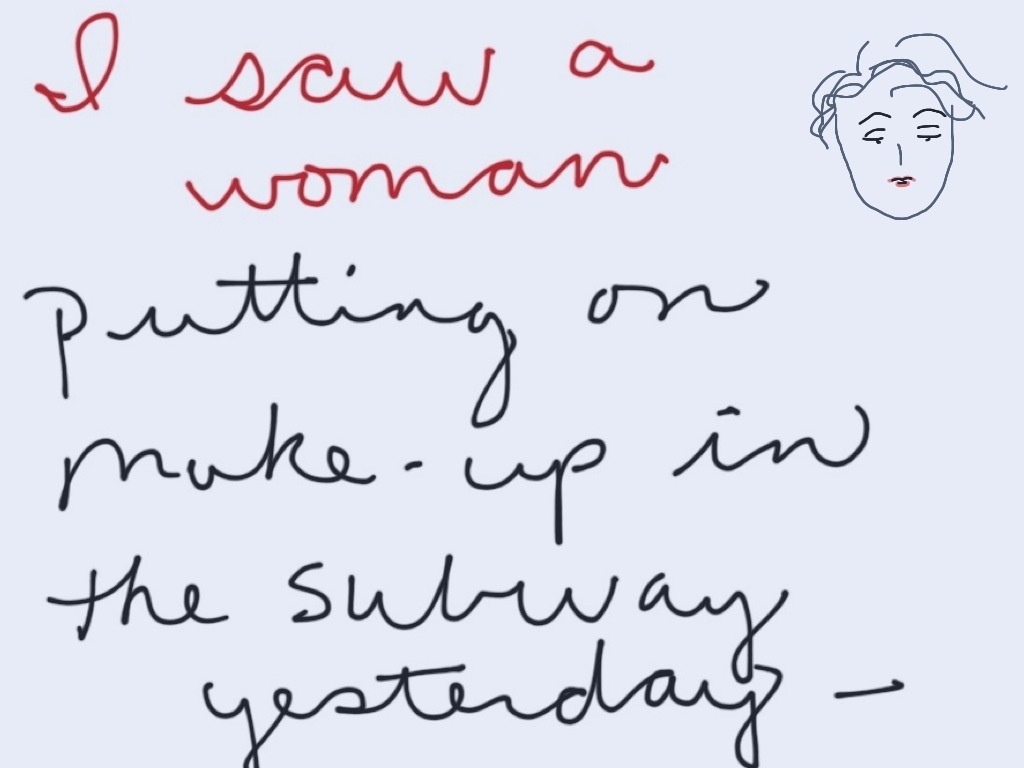
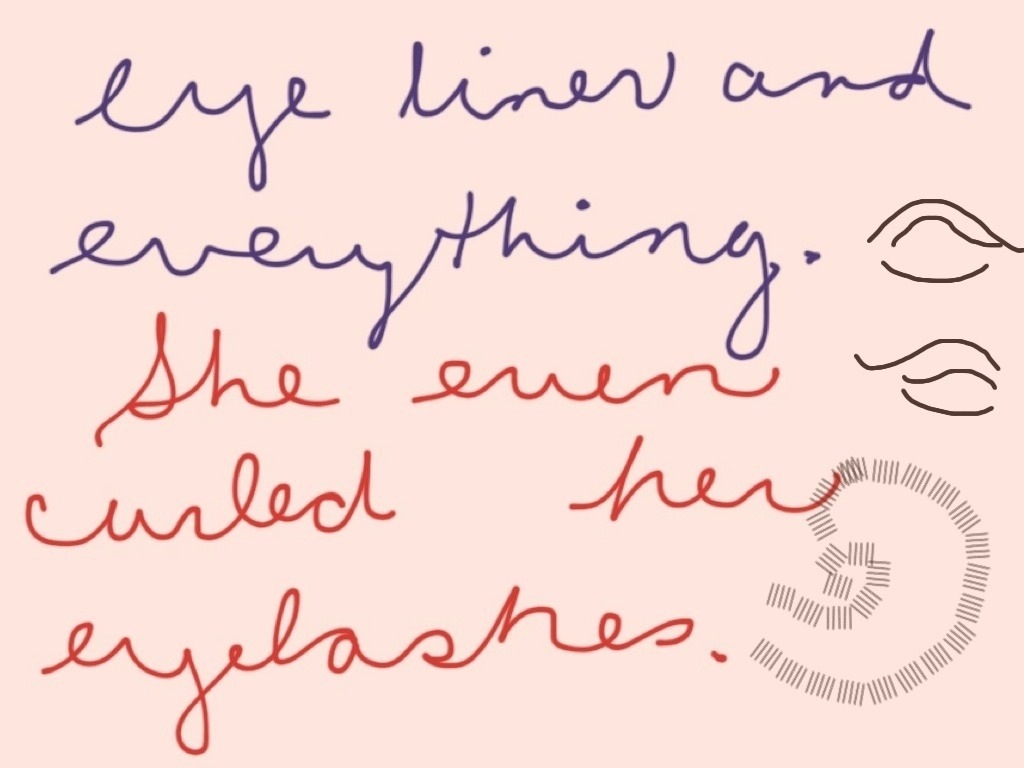
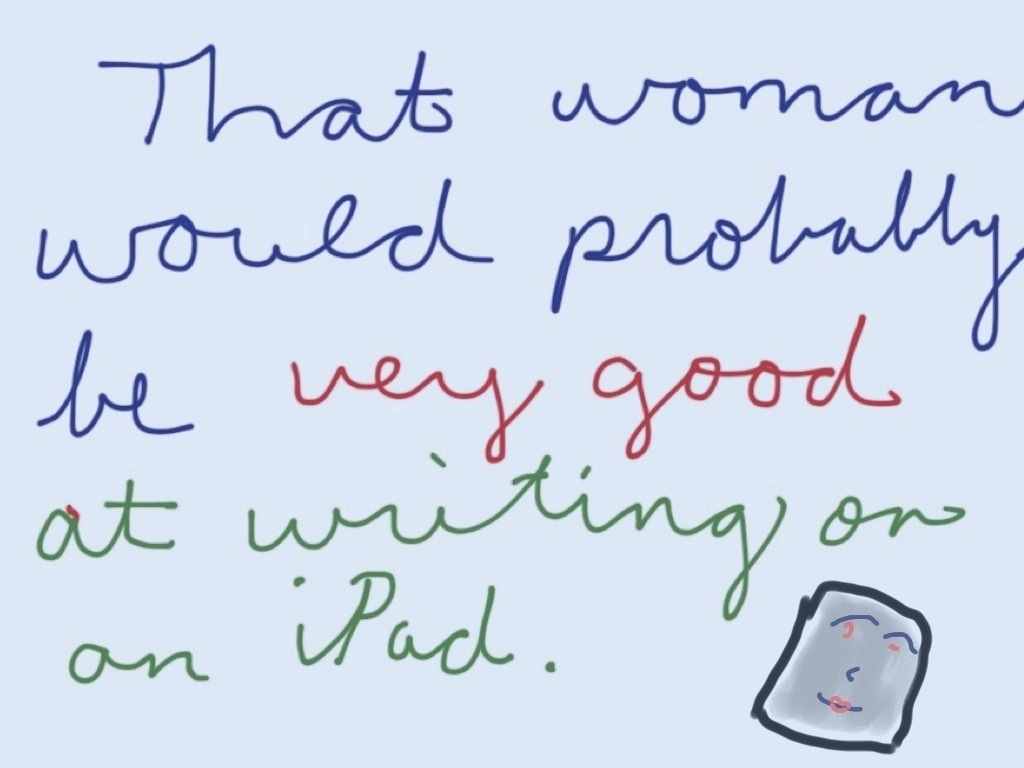
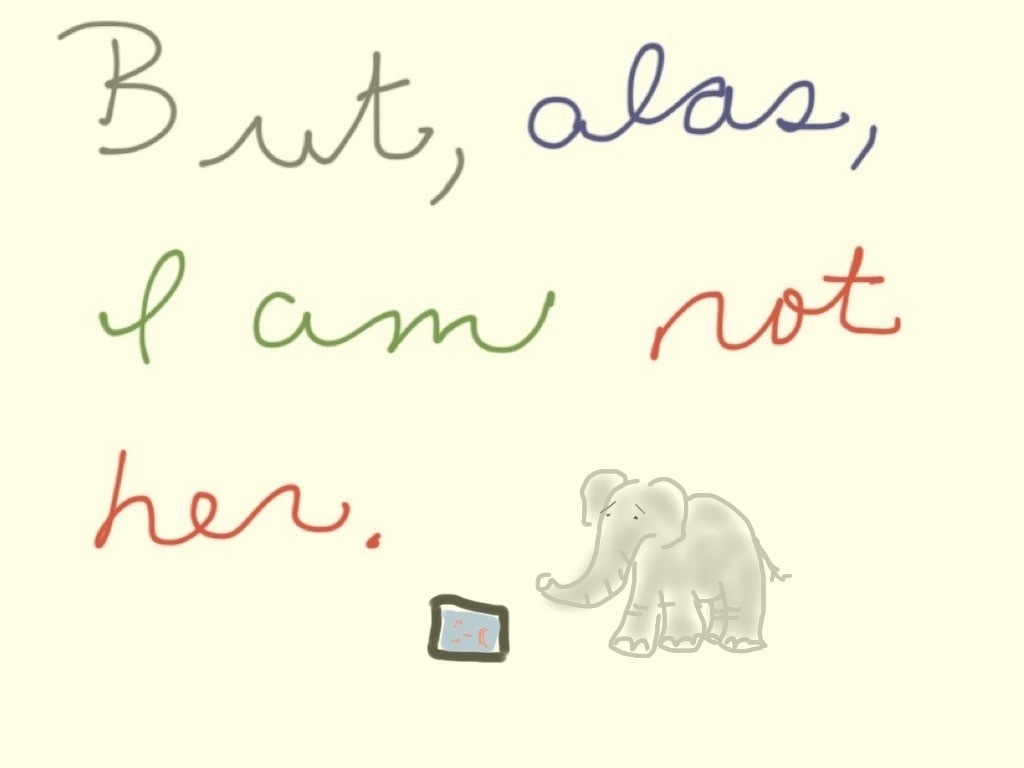
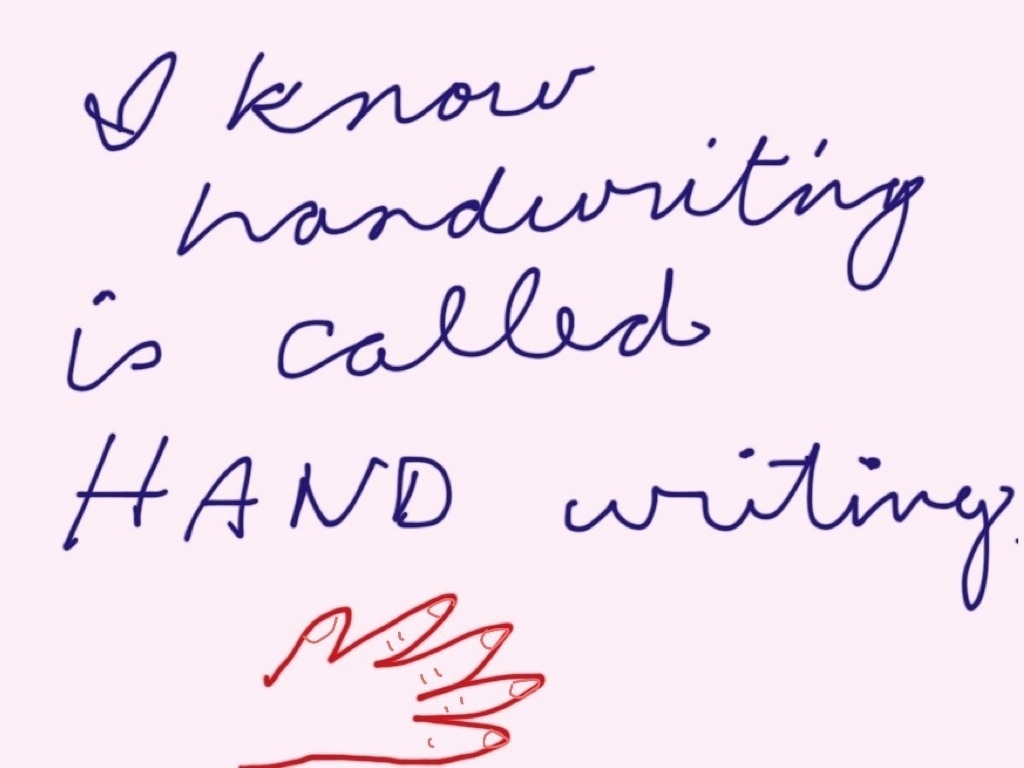
Handwriting with iPad. (Better for those who can put on make-up? On trains?)

June 9, 2011

20110609-083121.jpg

20110609-083202.jpg

20110609-083228.jpg

20110609-083322.jpg

20110609-083352.jpg

20110609-083421.jpg

20110609-083454.jpg

More Rhododendrons – Bunches of Flowers and Apps

June 8, 2011

20110608-061901.jpg

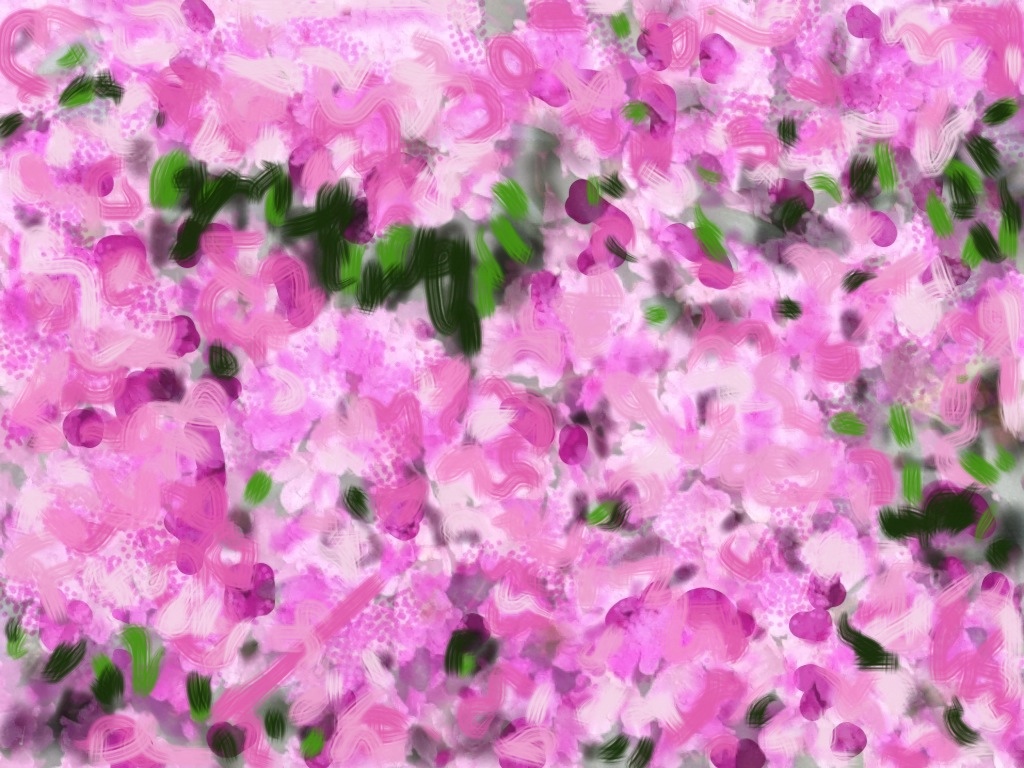
Woke up before 5 this morning, thinking about my sister-in-law’s rhododendrons. Above is my initial photograph of them. Below are a few different iterations of “paintings” that were done on the iPad using a variety of “Apps”, from my old standby Brushes, to Sketchbook Pro, also Photogene (a photography app.) It’s probably more interesting to the person with her finger on the screen (i.e. me) than to a viewer. Still, the variety of possibilities is really pretty amazing.

I find that I can understand how “Brushes” works better, especially in terms of the layering. You can directly manipulate where you want your layer (foreground or background). (This may also be possible with Sketchbook Pro but I certainly can’t figure it out.) Sketchbook Pro, on the other hand, allows you to adjust the transparency of layers. This is quite cool if you want to leave a ghost of a photograph in the picture. The screen also sometimes seems more responsive with Sketchbook Pro. (You can spend several minutes running your finger over the screen in Brushes and then find that, for some reason–perhaps you were moving too fast–very little has actually come out.)

The hardest thing for me, of course, is deciding which iteration I prefer. Here are different combinations of the three Apps. (Photogene also which is often needed to rotate the Brushes images.)

20110608-063357.jpg

20110608-063439.jpg

20110608-064322.jpg

20110608-065104.jpg

Some of the Nature of iPhone/iPad Addiction

June 6, 2011

Pearl, Nature, Butterfly, iPhone

Yes, yes, I know it’s undoubtedly a character flaw.  (At least this is the implication in the side-long glances, ahem, glares, I’ve been getting from certain family members.)

And it’s certainly not very zen.

But the fact is that I’m addicted to electronic gadgetry.

Not TV or gameboxes.  (I think I may be combining X-boxes and gameboys there).  The communicating kinds–the ones that you mis-type little messages on.

Sometimes, I really do make do with an old-fashioned composition book, but I also have been carrying my iPhone or iPad around with me a lot these days, even on little hikes in the country (where I am staying right now.)

It’s terrible.  I know that when I am taking these walks, I should probably just be  in nature.

But electronic gadgets feed something very ravenous in the ManicD personality.

The obvious: a hunger for words–our own, those of others.

Even more important, a need for purpose, possibility.  When you carry around an electronic device, you know that at any moment you can start and perhaps even complete some not-yet imagined task.  It may also be a completely imaginary task–did you really need to respond to that email just when you were passing that small waterfall–still, having that warm little radioactive slab on your person can grant some palpable glow of self-importance.

I’m thankfully moving a bit beyond this aspect of the gadgetry.  Using the device to ensure non-stop availability can soon make you feel more harried than efficient.  (I also don’t have very good reception here.)

Did you know, however, that you can download and carry around a poem on the screen of your iPhone or iPad, which will show up even when you have no service, and that then you can look down every few moments during your walk and memorize it?

Okay okay.  Some of you may not have taken a vow to do anything (other than giving up wine at dinner) to salvage your remaining brain cells.  Some of you (i.e. my husband) may not think that repeated glances at an electronic screen and mumbling even deeply poetic lines promote the contemplation of nature.

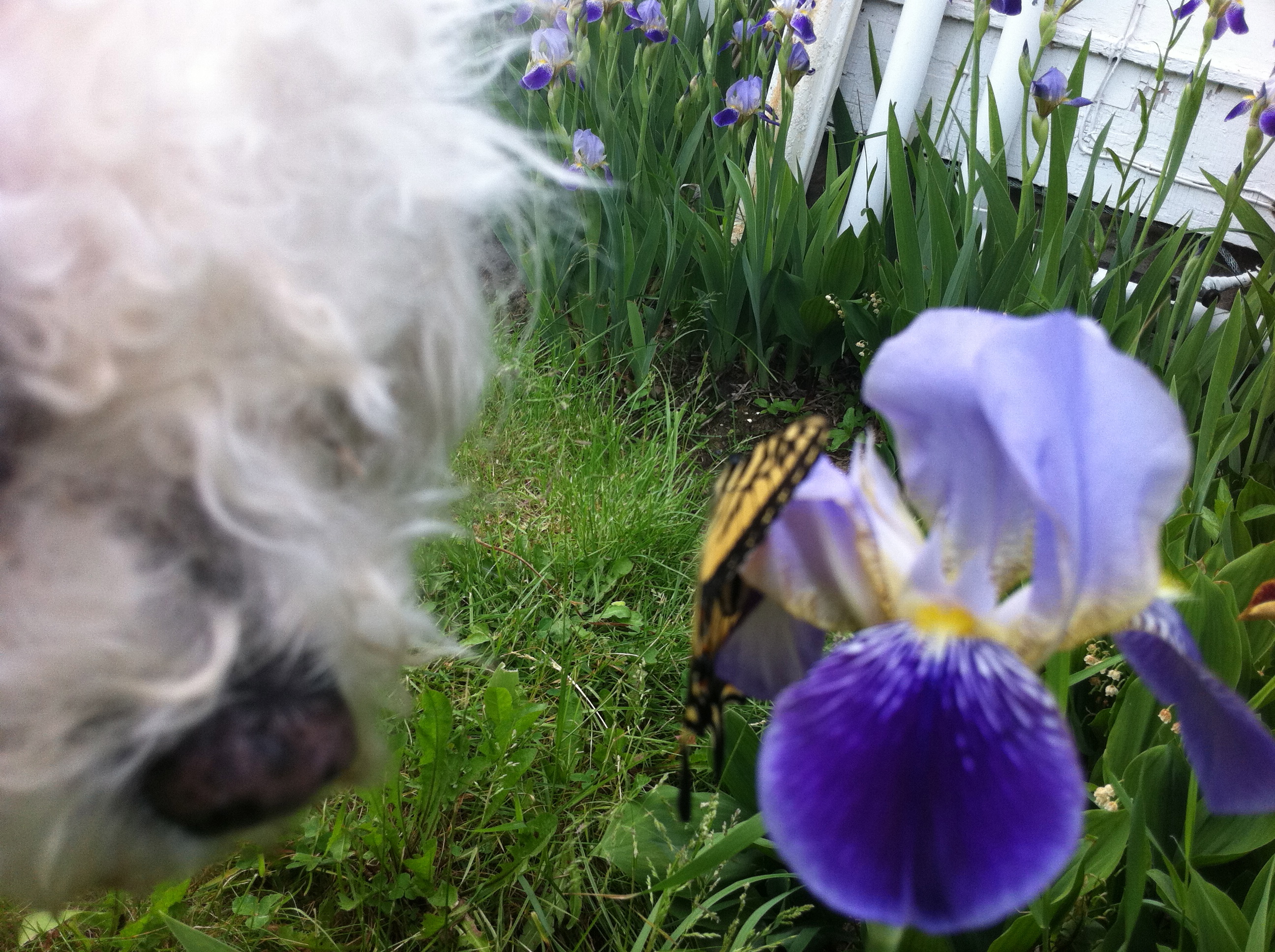
So, how about using your phone or tablet for photography?  You are required, after all, to stop and look at what you photograph.

Yesterday, for example, Pearl and I and iPhone spent a fair amount of time on butterflies, beavers, water, stones.  Some internal quiet did, eventually, ensue, despite the device in hand, the repeating rhymes in the head.

The family members also forgave us.

Finishing Manuscript/Formatting/Pains of Self-Publishing/Pearl Gets Bored

June 5, 2011

Pearl Doesn't Really Like Formatting Either

I trying today to finish a novel.  Unfortunately, I am not working on the fun part of finishing a novel–i.e. coming up with the last sentence and going “ah” at the end.

No, I’m in the ‘trying to fix all the formatting’ stage of finishing a novel.  This stage has a lot more ‘dammits” than ‘ahs.’

I like to think that my curses are directed at glitches in computer software, but the fact is that most of the glitches are being made by me personally; that is me pressing the wrong key and suddenly undoing everything I’ve done in the previous five minutes.

These glitches bring me to the wonders and head-aches of self-publishing.

I am planning to self-publish this novel.  I will use my own little publishing company, BackStroke Books.  (Yes, it even has a fledgling website–http://backstrokebooks.com/.)

The novel will be called Nose Dive.  It may not be a great novel, but it’s pretty good–funny, cute, readable.  And it will  have some really great illustrations, done by a fledgling but wonderful illustrator, named Jonathan Segal.

Now, I could (and should) send the novel around and around to independent agents and publishers instead of publishing it through BackStroke Books.

The problem is that route just feels impossible these days.  Especially for a funny, cute, readable–but possibly not absolutely great  or super-commercial–novel that is written by someone (i.e. me,) who is not a film star, fashion model, or reality show denizen, who does not have a billionaire politician father, and who has not been able to fabricate a history of drug addiction.

The up-side of self-publishing is that there is something very satisfying about ‘taking the bull by the horns,’ ‘not waiting for the machine,’ ‘plowing ahead.’

The bad side is, well… true publishers have distribution networks, publicity people, etc. etc.  And, of course, staff that know about formatting.

I have, thankfully, managed to commandeer some extremely good help in the copy-editing area.  But, still, I have to be somewhat involved, especially at this hopefully near-final stage.   (Dammit.)

Buggy This Time Of Year

June 4, 2011

20110604-110107.jpg

Dabbling in Painting Apps

June 4, 2011

20110604-062548.jpg

As even non-Apple partisans admit, one of the appealing aspects of having an iPad or iPhone are the Apps.

As an Apple partisan, I freely declare that some Apps are pretty terrific. Some, such as the “Bed Bug App,” that I saw advertised on the NYC subway the other day, don’t seem terribly appealing, but others, like the Brushes App (a finger-painting app), have become tools that I use almost every day.

Lately though, as much as I love the Brushes App, I’ve been a bit curious to branch out.

The good news here is that most Apps are quite inexpensive (much much cheaper than comparable computer software) so you can try different ones without a huge outlay of cash. The bad news is that most of the art Apps I’ve seen do not seem to come with “user manuals.” Rather, they seem rely on either (i) pre-existing computer graphics skill or (ii) a lot of time spent poking at the screen and hoping that something comes out.

I’m not saying that I would actually read through a user manual even if they had one–but some of these painting Apps are extremely complicated and seem, to me at least, much less intuitive than Brushes. So I’ve downloaded a couple, like Art Studio, which look really promising, but which I simply can’t operate.

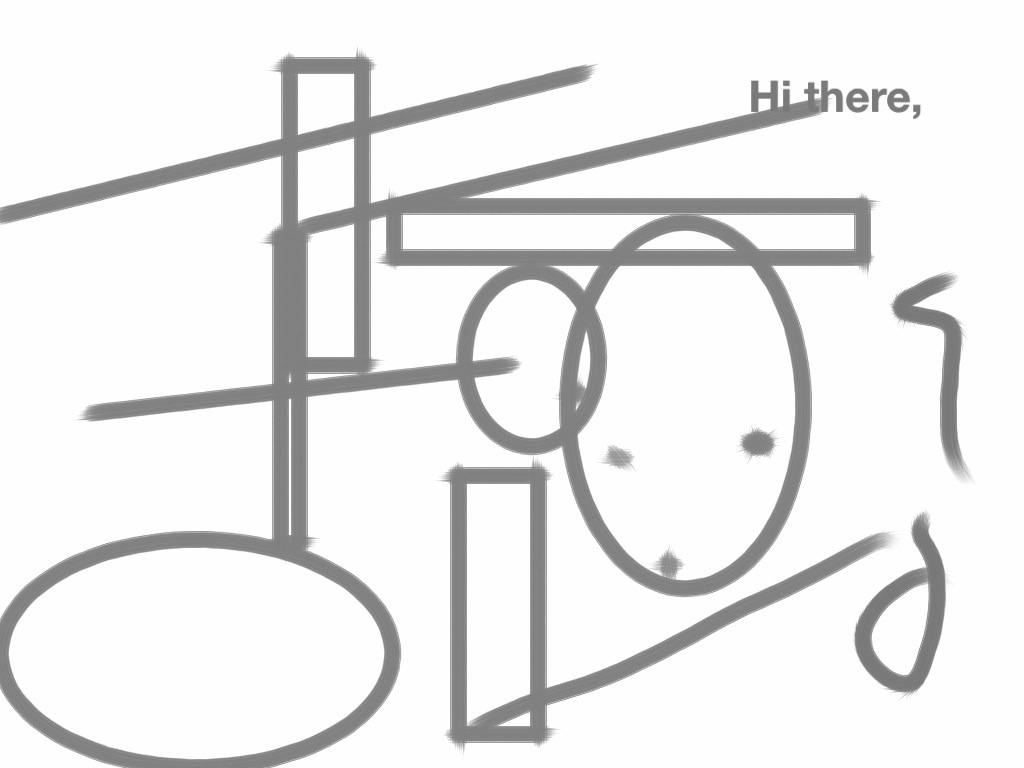
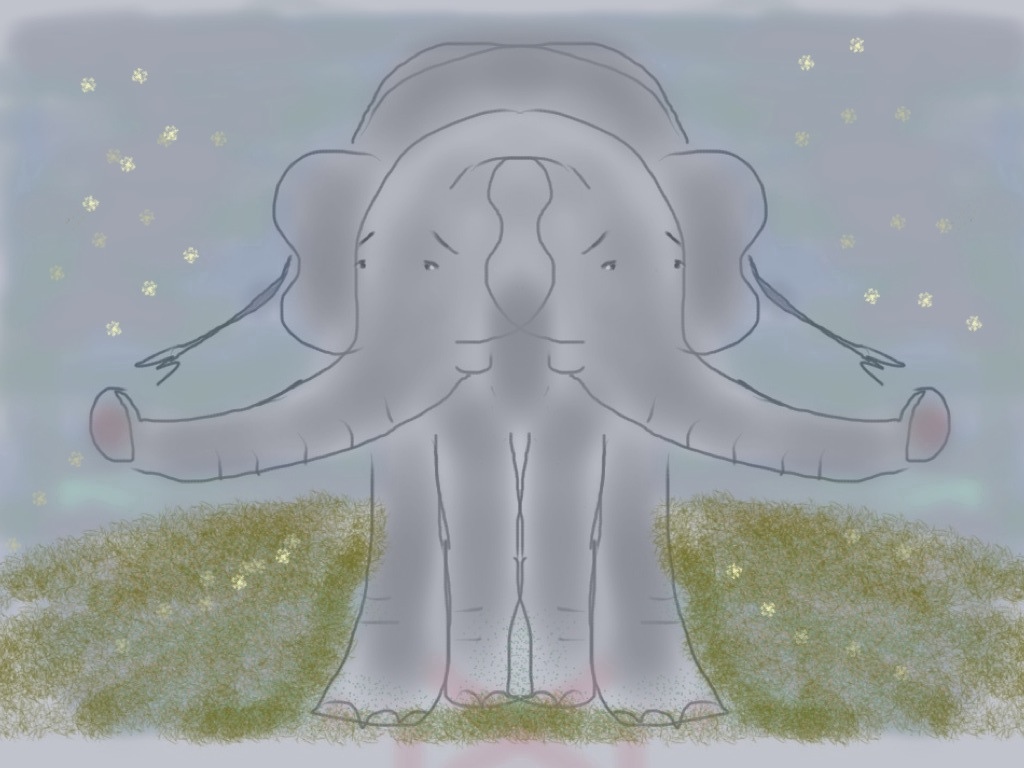
One that has worked better for me is Sketchbook Pro. It seems (so far) a bit more cumbersome than Brushes, but has definitely possibilities. It allows for text (which I do not have the hang of yet–see above), weird geometric templates (below), and (very cool) mirrored effects in drawing. (See the Siamese Elephant.). (I confess to having finished this last one on Brushes, because I couldn’t figure out how to narrow certain strokes–the air brush style–on Sketchbook Pro.)

At any rate, a very new and odd world for a dabbler like me. I encourage others to give it a try.

20110604-062652.jpg

20110604-062740.jpg

No Time In The Present

June 3, 2011

20110603-073716.jpg

People who know me know that I frequently complain about not having much free time in life.

I really should not complain. (It’s just so satisfying.) The fact is that I am the main person who fills up all that “un-free” time. (Well, me and my boss.) I manage, in other words (and despite all the complaints) to spend a relatively large of my time of activities of my own choosing. But to satisfy my guilty Lutheran temperament, I slowly convert many of these chosen activities into “obligations.”

A part of me knows that they are not true obligations. I am not required to write a daily blog, to do yoga, to try to write poetry or novels. I am certainly not “obligated” to troll the internet (supposedly to keep up with the news, or the market, or “money-saving” sales.)

But, somehow (perhaps as a substitute for discipline), I convince myself that all these activities are somehow mandated, morally-uplifting, essential to maintaining a sense of self, and neglected at the expense of sanity. This results in extreme…. busyness.

(And then, of course, there’s my actual boss. And job.)

All of which makes it incredibly difficult to deal with anything extra, something not normally part of the routine. Take for example a driving license renewal.

I recently got a ten year license renewal notice that, because I wear strong glasses, requires the submission of an eye test along with the regular forms.

Which requires me to go to my eye doctor. Or an optometrist. Or the DMV.

All of which was supposed to be done before my birthday earlier this week.

No wonder people hate government intervention!!!!

For some reason, they (all those bureaucrats at the DMV) think I need to be able to SEE to drive.

If only I could take an eye test online. From my laptop. In bed.

If I could at least multi-task–take the test at my desk, or while doing yoga. (Say Tree pose.)

But they probably expect me to actually focus on something like that. An eye test! Geez!

(For now, I’m simply staying off the road.)

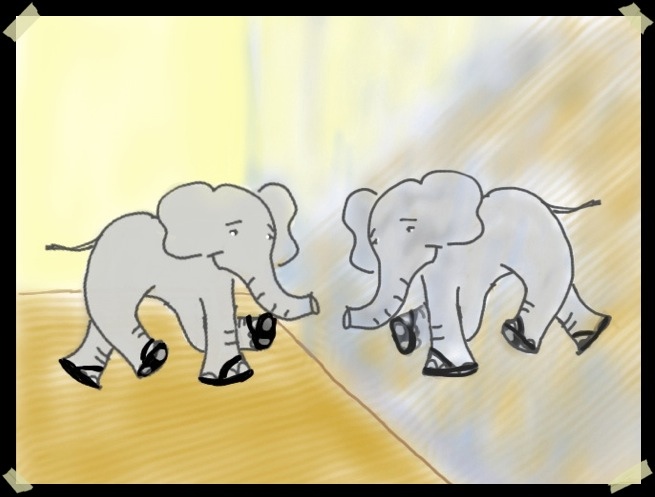
Favorite Activity and Elephant (Tapdancing)

June 1, 2011

20110601-083851.jpg

(Of course, my true favorite elephant is in the wild. And I don’t actually have a big mirror or tap shoes. My downstairs neighbor is quite thankful for that.)