Posted tagged ‘Brushes App’

Dog in the Clouds – Blogger Not In Damascus

June 13, 2011

20110613-114139.jpg

Please don’t be alarmed. The above painting/picture of a dog in clouds is part of my ongoing experiment with iPad Apps and, although it depicts my sixteen year old dog Pearl, is no sign of Pearl’s past or upcoming demise. (At least, I hope not.) I just like painting Pearl and I thought she’d look cool in clouds.

The spectral quality of Pearl in this painting came to mind today when I was reading about Tom MacMaster, a male graduate student blogger, who has, for the last four months, been posing/posting as “Gay Girl in Damascus.” Recent posts, which implied the detainment of the “girl” by Syrian authorities, had led to increased alarm and activism among followers. This, plus some detection work by more suspicious readers, led to MacMaster’s confession and posted apology.

It’s a long, weird story and cautionary tale: http://thelede.blogs.nytimes.com/2011/06/13/gay-girl-in-damascus-blogger-admits-to-writing-fiction-disguised-as-fact/?scp=1&sq=Gay%20gal&st=cse

MacMaster insists he did not intend to harm anyone but rather to “illuminate” the story of the Syrian uprising. He ended up not only writing 137 posts, but hundreds of emails “in character” to sympathetic followers (a few of whom now feel considerably harmed.)

Hard to know quite what motivated MacMaster. (Hopes of a book deal?)

My point here is assure all that Pearl, above, really is Pearl, and that Manicddaily really is me, manic-d-daily (but not, as sometimes depicted, an elephant.)
Outside the Train Window. App-loaded. Mini How-to With Elephant.

June 11, 2011

20110611-035157.jpg

Followers of this blog know that I’ve become a little “App-happy” since getting an iPad 2 earlier this year. I openly disclose that a part of my obsession may arise from being an Apple stockholder: I am anxious to believe in the company’s products just so I don’t have to make any decisions about selling the stock.

In my defense, the “Apps” that have been of particular interest to me of late are not Apple products, but they do give the iPad a lot of possibilities.

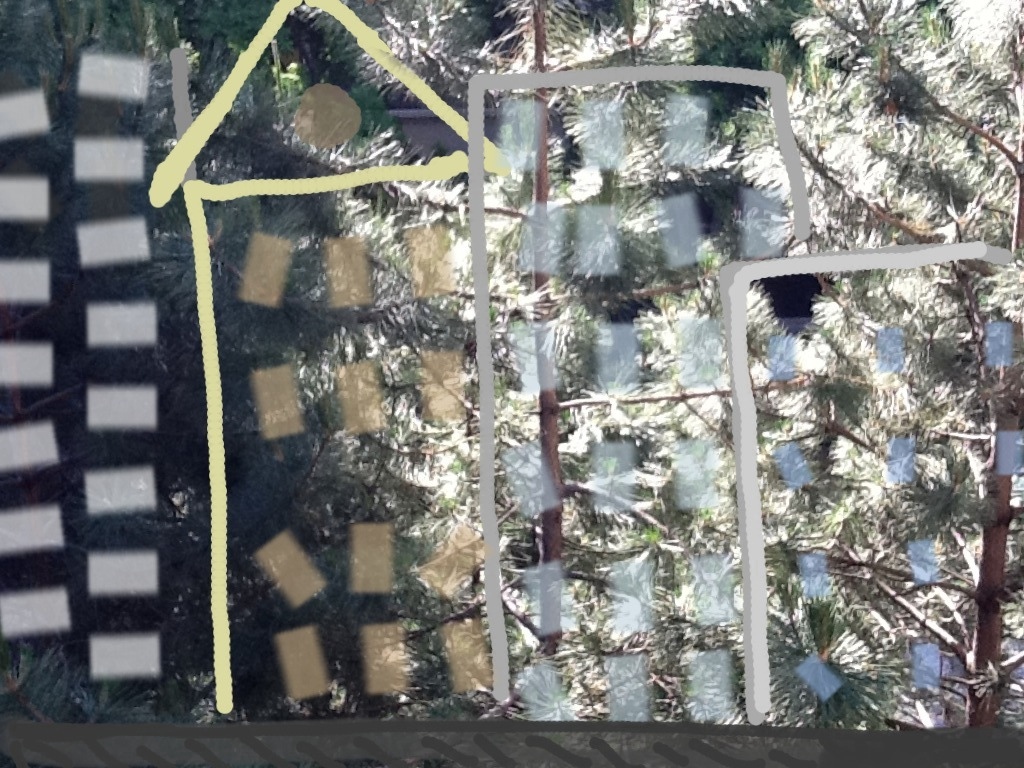
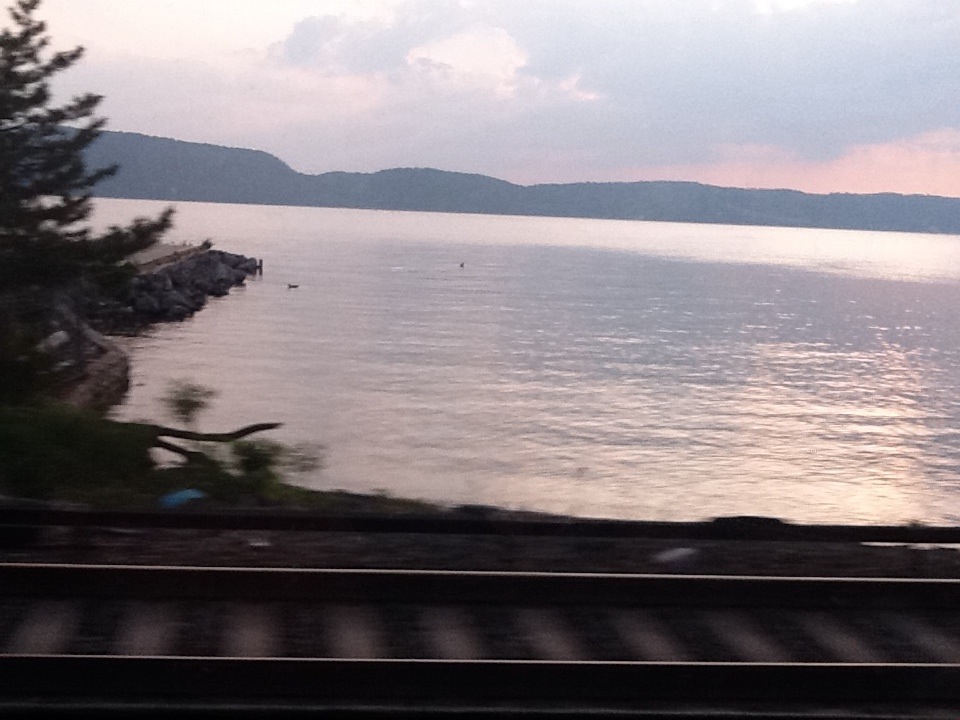
The picture above was a photograph taken from the MetroNorth train going up the Hudson. Admittedly, the camera on the iPad 2 is not great. It’s even worse when used on a moving train, and worse still when used by me. (I’m still not exactly clear where the lens of the camera is located.) Plus the screen is so glossy and my eyes are so bad I can’t always see the image I am shooting. In this case, I didn’t even try. I just stuck the iPad over my head so that I had a hope of not filming the window frame.

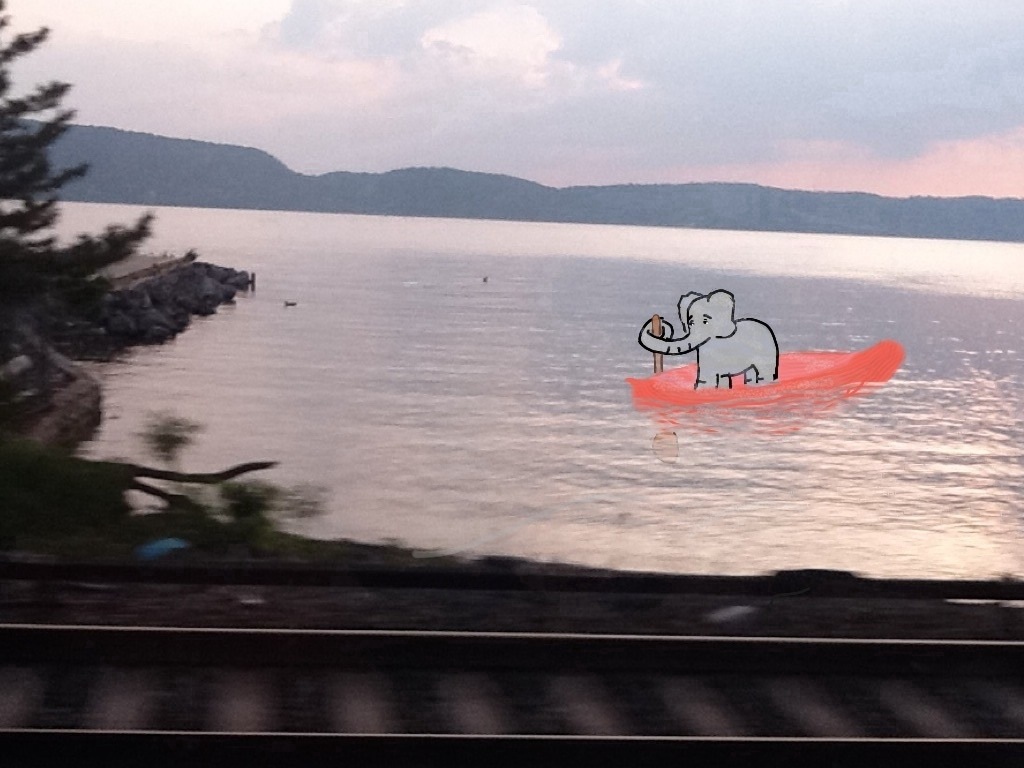
Then I took that image, transferred it to the Brushes App, a finger painting app, and for lack of a better idea, drew an elephant in it. That’s the first picture below. (I was proud of myself for using the eraser function on the app, to make it look like the boat and oar were slightly underwater.)

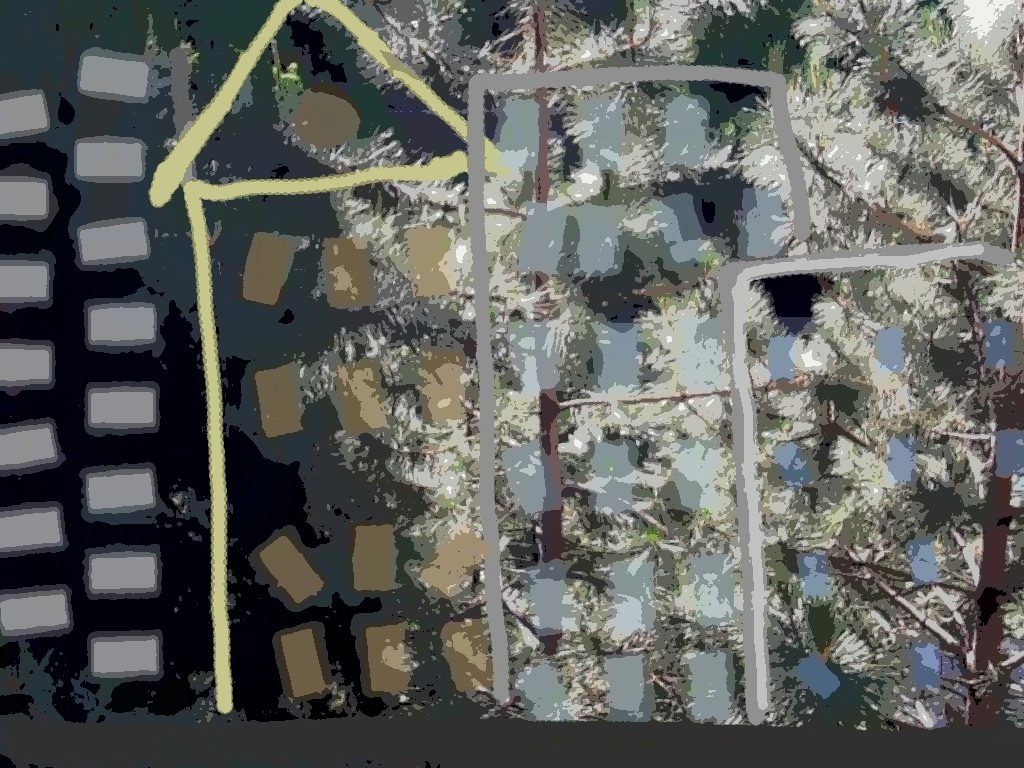
THEN, I moved the painted photograph to the Photogene App to try some of the Photogene filters. Mixtures of finger painting and photograph often have a weird Roger Rabbit aspect especially with an unskilled artist (like myself). But the beauty of the Photogene filters are that you can stylize the entire piece so that the differences between the photo and the finger-painting diminish. The second one below was done with the “Posterize” filter.

20110611-035530.jpg

20110611-035758.jpg

Yes, a bit hackneyed. Still, cool!

Circus Animals? Appy Friday!

June 10, 2011

20110610-080519.jpg

End of long hot week. Glad it’s over. I know this picture doesn’t really relate to any of that, but rather my personal fascination with elephants, dogs, and iPad Apps. This one uses Brushes, Sketchbook Pro, and the updated Photogene App, which allows you to make little strokes of light. Above, the strokes are pretty subtle and perhaps not fully carried through. Still, I’m hoping they look like beams from either an opening in the tent, or maybe circus lights (ha!), I’m not sure I’ve succeeded. Interesting tools though. Have a great weekend.

Dabbling in Painting Apps

June 4, 2011

20110604-062548.jpg

As even non-Apple partisans admit, one of the appealing aspects of having an iPad or iPhone are the Apps.

As an Apple partisan, I freely declare that some Apps are pretty terrific. Some, such as the “Bed Bug App,” that I saw advertised on the NYC subway the other day, don’t seem terribly appealing, but others, like the Brushes App (a finger-painting app), have become tools that I use almost every day.

Lately though, as much as I love the Brushes App, I’ve been a bit curious to branch out.

The good news here is that most Apps are quite inexpensive (much much cheaper than comparable computer software) so you can try different ones without a huge outlay of cash. The bad news is that most of the art Apps I’ve seen do not seem to come with “user manuals.” Rather, they seem rely on either (i) pre-existing computer graphics skill or (ii) a lot of time spent poking at the screen and hoping that something comes out.

I’m not saying that I would actually read through a user manual even if they had one–but some of these painting Apps are extremely complicated and seem, to me at least, much less intuitive than Brushes. So I’ve downloaded a couple, like Art Studio, which look really promising, but which I simply can’t operate.

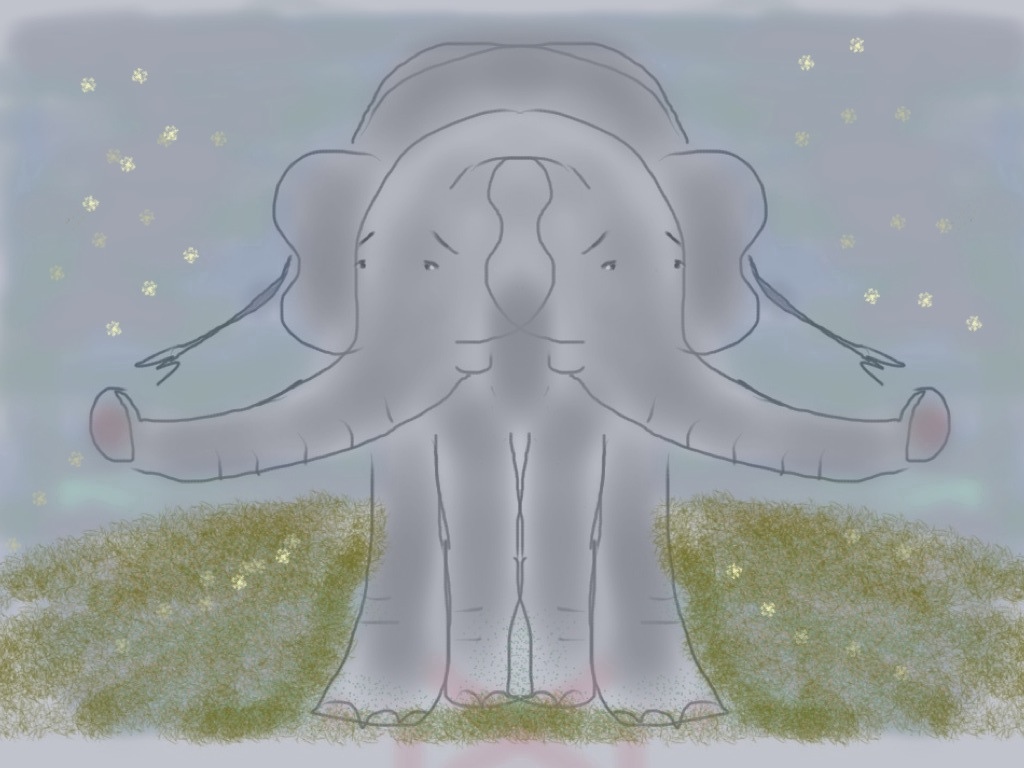
One that has worked better for me is Sketchbook Pro. It seems (so far) a bit more cumbersome than Brushes, but has definitely possibilities. It allows for text (which I do not have the hang of yet–see above), weird geometric templates (below), and (very cool) mirrored effects in drawing. (See the Siamese Elephant.). (I confess to having finished this last one on Brushes, because I couldn’t figure out how to narrow certain strokes–the air brush style–on Sketchbook Pro.)

At any rate, a very new and odd world for a dabbler like me. I encourage others to give it a try.

20110604-062652.jpg

20110604-062740.jpg

No Time In The Present

June 3, 2011

20110603-073716.jpg

People who know me know that I frequently complain about not having much free time in life.

I really should not complain. (It’s just so satisfying.) The fact is that I am the main person who fills up all that “un-free” time. (Well, me and my boss.) I manage, in other words (and despite all the complaints) to spend a relatively large of my time of activities of my own choosing. But to satisfy my guilty Lutheran temperament, I slowly convert many of these chosen activities into “obligations.”

A part of me knows that they are not true obligations. I am not required to write a daily blog, to do yoga, to try to write poetry or novels. I am certainly not “obligated” to troll the internet (supposedly to keep up with the news, or the market, or “money-saving” sales.)

But, somehow (perhaps as a substitute for discipline), I convince myself that all these activities are somehow mandated, morally-uplifting, essential to maintaining a sense of self, and neglected at the expense of sanity. This results in extreme…. busyness.

(And then, of course, there’s my actual boss. And job.)

All of which makes it incredibly difficult to deal with anything extra, something not normally part of the routine. Take for example a driving license renewal.

I recently got a ten year license renewal notice that, because I wear strong glasses, requires the submission of an eye test along with the regular forms.

Which requires me to go to my eye doctor. Or an optometrist. Or the DMV.

All of which was supposed to be done before my birthday earlier this week.

No wonder people hate government intervention!!!!

For some reason, they (all those bureaucrats at the DMV) think I need to be able to SEE to drive.

If only I could take an eye test online. From my laptop. In bed.

If I could at least multi-task–take the test at my desk, or while doing yoga. (Say Tree pose.)

But they probably expect me to actually focus on something like that. An eye test! Geez!

(For now, I’m simply staying off the road.)

Sounds of Stillness (Summer begins in downtown NYC)

June 2, 2011

20110602-085512.jpg

Full summer here now. I wake up to a kind of thick stillness in the air and somehow, clearly perceptible in that stillness and yet not really disturbing it, is the sound of a lawn mower.

It all seems absolutely, perfectly, summery.

And then, I think, lawn mower? You’re in New York City!

Okay, there are parks down here. There is even a little parkish-sort of area (with tress photographed above) just outside my window.

Still, probably not a lawn mower.

A weed whacker?

(I swear it’s not just a truck idling.)

And now (I’m listening harder), I suppose it could be some kind of construction somewhere. The WTC site a couple of blocks away is the obvious choice.

But I kind of hate to think that I am confusing the sounds of the upcoming Freedom Tower with a lawn mower.

So, let’s just say that full summer is here now; that I wake up to a warm, thick stillness in the air that somehow overbalances a bunch of city sounds in a way that seems completely unlike the see-saw of stillness/sound in Winter, Spring, Fall. (When, by the way, I usually have my bedroom window closed.)

Hmmm…….

Let’s just say that I wake up and it’s really warm out.

20110602-085627.jpg

(Above is same photo/drawing “posterized” with Photogene app.)

Happy Birthday Walt Whitman! (Again!)

May 31, 2011

20110531-084503.jpg

It is the 192nd birthday today of the incomparable “Walt Whitman, a cosmos, of Manhattan the son.” (Born May 31, 1819.)

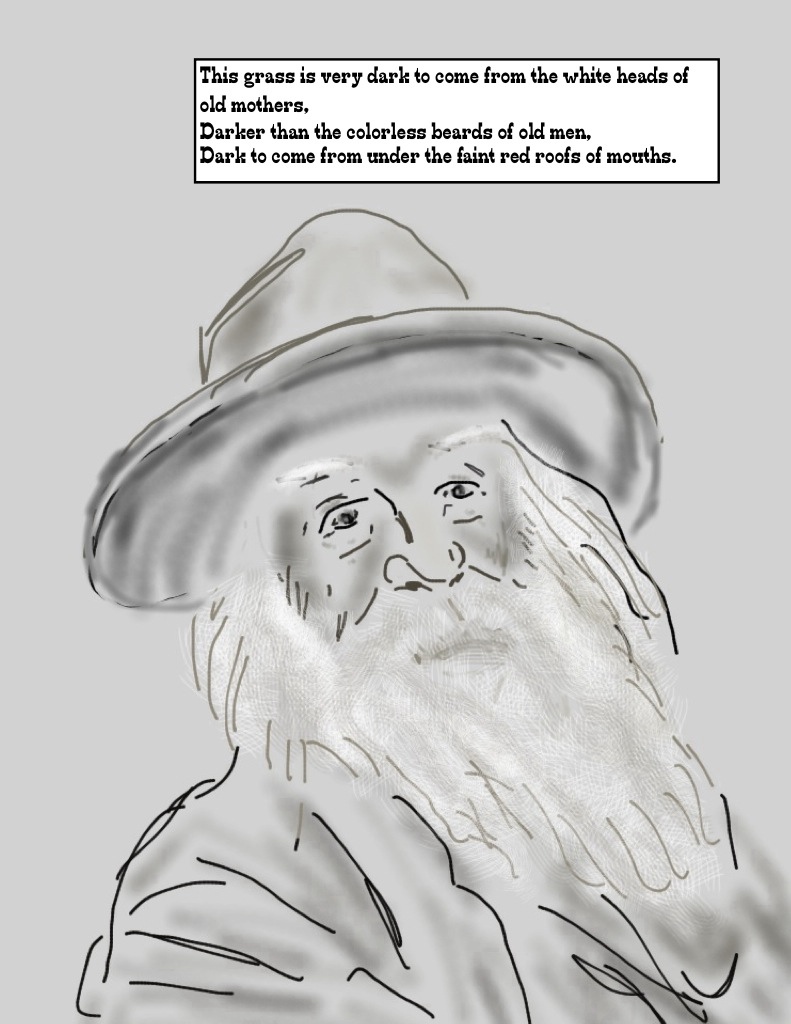
I love Whitman and confess to being inordinately proud of the drawing of him above, though I admittedly cheated by doing it with the iPad, the Brushes App, and also the Comic Life App (to insert the quote from “Song of Myself”). These lines come from the section in which Whitman talks of grass as the beautiful uncut hair of graves.

One of the things I love about Whitman is his flow. His surge. His abundance. Sometimes, the current can be a bit overwhelming. (One can feel an almost flotsam-and-jetsam rush about the ears.) Other times–(as in most of “Song of Myself”, “The Sleepers”, “Crossing Brooklyn Ferry”, “Out of the Cradle Endless Rocking”, “As I Ebbed With the Ocean of Life”, “This Compost”, “When Lilacs Last In the Dooryard Bloomes”–actually most of the time), the flow is absolutely crystalline, every droplet sparkling. Happy Birthday Walt!

(This is a re-post of earlier post to be sure to make a correction to typo in Whitman text. Sorry for any inconvenience.)

Pearl Finds Herself in The Brushes App

May 28, 2011

href=”https://manicddaily.com/wp-content/uploads/2011/05/20110528-052729.jpg”>20110528-052729.jpg

Today, I am making a brief foray into “how-to” blogging.

I am a great devotee of the “Brushes” app for the iPhone and iPad. The “Brushes” app is a painting program; because it is devised for the iPad and iPhone it is actually a finger-painting program.

You might think that painting with one’s finger is clumsy–and certainly, it is much easier for many (including myself) to draw with a stylus. But the Brushes program is designed with an array of possibilities allowing for a great deal of fascination, if not always finesse.(If you get really good with it, like artist David Hockney) subtlety and finesse are possible too.)

The tricks are (i) stroke styles; and (ii) layers. The program allows for a large array of specific brush stroke styles that can be varied by spacing and size. This allows for automatic flowers or splotches, very fine or thick lines, various levels of translucence, lines of little blocks or circles or grasses or even fur. These same strokes can be applied to the eraser, allowing for lots of options there as well.

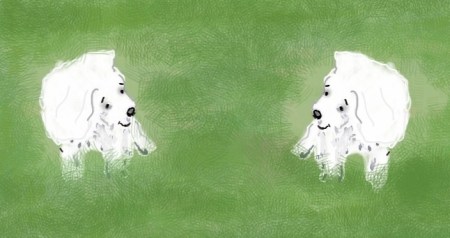
The true magic comes with layering though, and this takes some learning. Up to six layers are allowed in the iPad app. These can simply be used to allow for layers of detail, background, foreground. (The backdrop of solid green, for example, or the grass that goes behind the dogs.)

Layers can also be used in more elaborate ways. A photograph can be layered in to your painting, as a template. You can outline the photograph on a different layer, and then trash the photograph itself. Similarly, the iPad Brushes App (as opposed to the iPhone app) allows for the copying and transposition of layers. A layer showing one little dog can be imposed and rotated on top of another little dog, for example, or a bunch of little dogs. (I used this for my tangoing elephants a week or so back.)

Here your eraser feature can be your friend. My initial dog, above, was drawn in a few different layers, to allow the features–eyes, nose–to be on top of the fur. In order to repeat the dog without using more than six layers, I converted it to a finished image (like a photo), which I then transposed onto a duplicate painting. A photo is not a transparent layer, so I had to erase all the grass and background on the second dog to allow it to fit into the first painting without blocking it. This can be a little laborious, but the technology somehow makes it feel more interesting than drawing a whole new dog or bunch of dogs.

(Apologies, this post was first uploaded in blank.)

20110528-052441.jpg

<a

Tornado (Impression) All Swept Up, and Down.

May 24, 2011

20110524-070920.jpg

Last Day In Buenos Aires

May 22, 2011

20110522-094921.jpg

Last day in Buenos Aires, and it feels, for the first time, like some form of winter could actually be coming. (Maybe because this is also our first day of rain.) The city, by the way, is lovely in the rain.

Wait! Sun has come out! (Forget about some form of winter! And loveliness in the rain! Actually its still raining, but brightly sunny too, and lovely.)