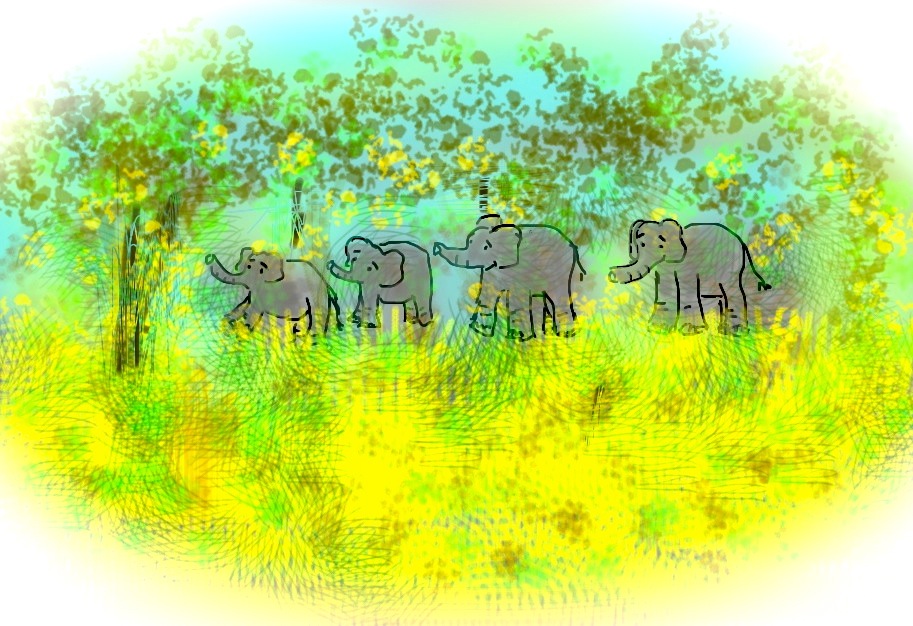
Working With Layers
Working with “layers” not very successfully on the iPhone App Brushes. The app allows you four different levels of content! (Almost as many as a distracted mind.)
Working With Layers
Working with “layers” not very successfully on the iPhone App Brushes. The app allows you four different levels of content! (Almost as many as a distracted mind.)

I like to think of myself as fairly technologically advanced. This is primarily because I type well and practically live on a computer.
Even so, the one area where I’ve definitely been behind the curve is the iPod. I’ve never had one before my current iPhone. I don’t much like ear phones (or ear buds). My brain feels invaded by sound at close range; the inner monologue gets panicky when drowned out.
So I was surprised tonight when I tried, for the second time, to use my iPhone as iPod at the gym and found it not to bother me. I could hear my book on tape perfectly, without my brain feeling invaded. I could get used to this, I thought, happily pumping small amounts of iron. My enthusiasm even seemed to be catching, since the few other people I saw at the gym all seemed to smile at me.
On my way back to my apartment, however, as I took out the ear buds, I noticed that I had not plugged them into the iPhone properly and that they were playing at a relatively normal pitch, i.e. they were not broadcasting into my head but at large. (As in no wonder the other people in the gym were smiling at me!)
A failed attempt. Still it brings up what I truly wanted to write about tonight: my gratitude to Steve Jobs, who has recently announced his decision to take another medical leave.
Even without using an iPod, Apple’s iTunes has been a major fixture of my life for the last several years. My family and I have listened to endless music, pod casts, and audiobooks. (I feel sometimes like a small child, getting solace from having the same books read to me again and again.)
But with the availability of so many iterations of music–different singers, composers, pianists, iTunes allows for broadened horizons as well as comfort food.
Then there are the computers themselves–so fast! And pretty! So many things that you can make with them!
A phone that you can draw with! (See above.)
And the stock. I was lucky enough to buy a few shares some time ago. That act has made me look like a smart investor (even as so many other choices have tanked.)
So now, with the earpods out, but still listening to iTunes, I want to thank Steve Jobs, who has brought me comfort, fun, productivity, and all kinds of both mild and profound enrichment. I wish him well.
(Disclosure–writer still owns some Apple stock.)
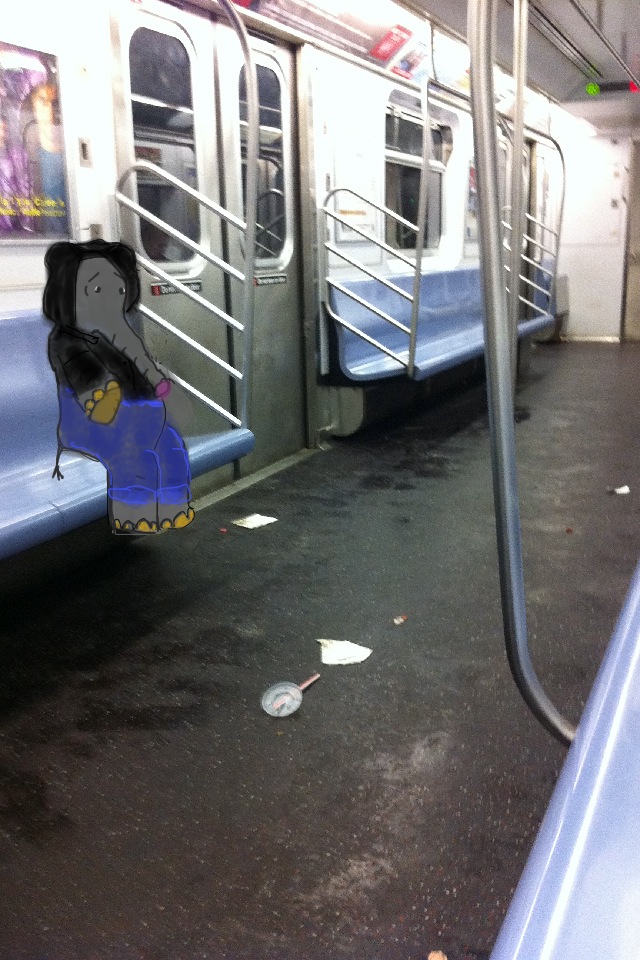
I happened to be on a nearly deserted subway car the other day. This is an increasingly unusual circumstance on the New York City subway system; even on weekends, trains are jammed, and weekday evenings–forget about it. (Yes, I did try to write that with slang spelling, but it looked weird coming from my computer.)
One problem with a deserted car is that the debris really shows up.
Without other passengers, however, there is plenty space to look at the signs. A new series posted by the MTA itself gave me a clue as to why the system is so decrepit.
There is, for example, the sign detailing a seemingly new repair policy: “If it’s broke, fix it!”
The sign explains: “instead of waiting to fix everything in a station at once, we’re fixing critical parts as soon as they need fixing.”
Wow! What a great idea. Fixing critical parts! Instead of waiting for complete break-down!
“Can our buses go faster? You bet!”
(Then, um, why don’t they?)
Another: “Improvements don’t just happen.”
I’m concerned that they reversed some words on that one. How about “just” and “don’t”?
PS – the above illustration is more iPhone art, which allows for endless iterations. There, the elephant’s in a hoodie. Here’s two earlier versions – it’s a bit like playing with paper dolls.
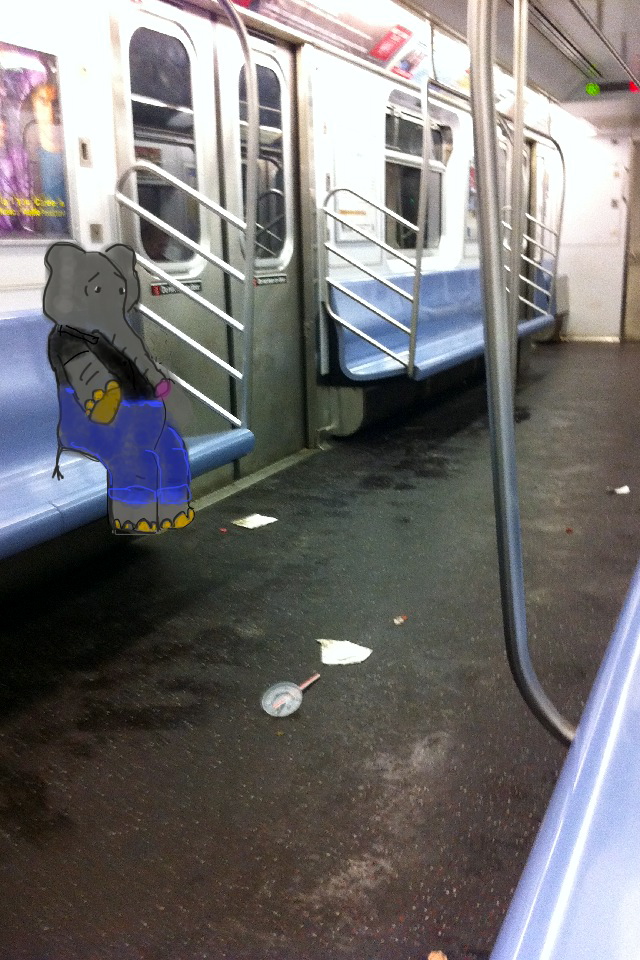


Effect of Global Warming? (Or iPhone "Brushes" App?)
I swam for some time in a very calm Atlantic this morning. Amazing. (Brrrr….)
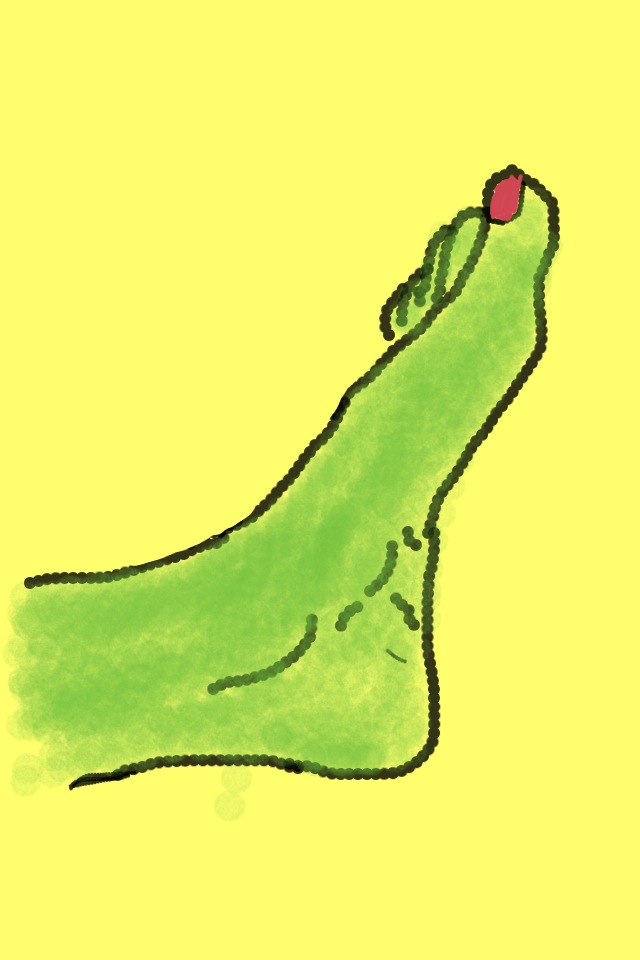
I'm trying to be decisive, but its just not working.
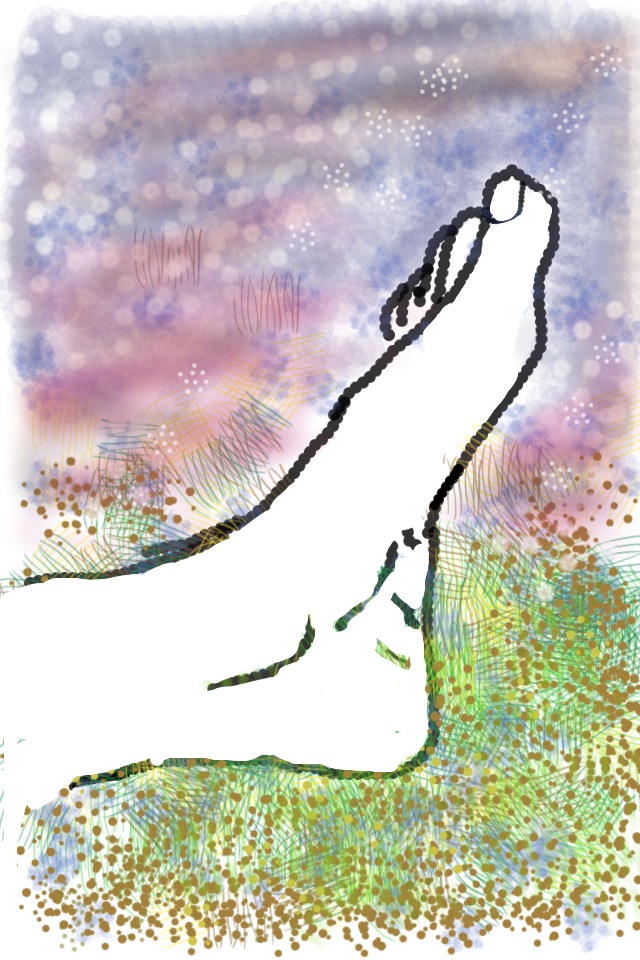
Part of the problem may be that the foot's not on the ground, at least not on real ground,
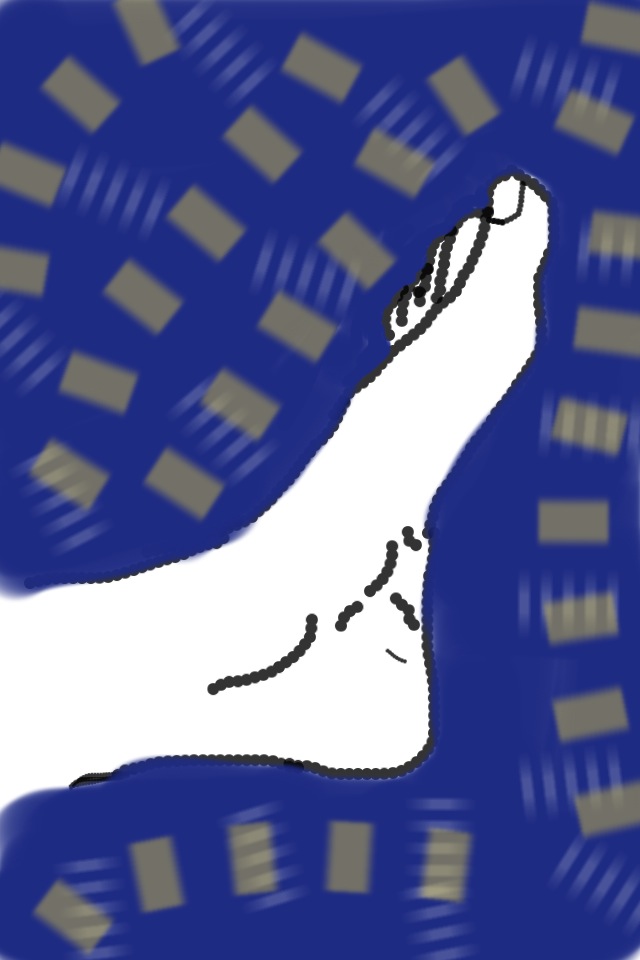
but hanging out in space somewhere, iPhone space.
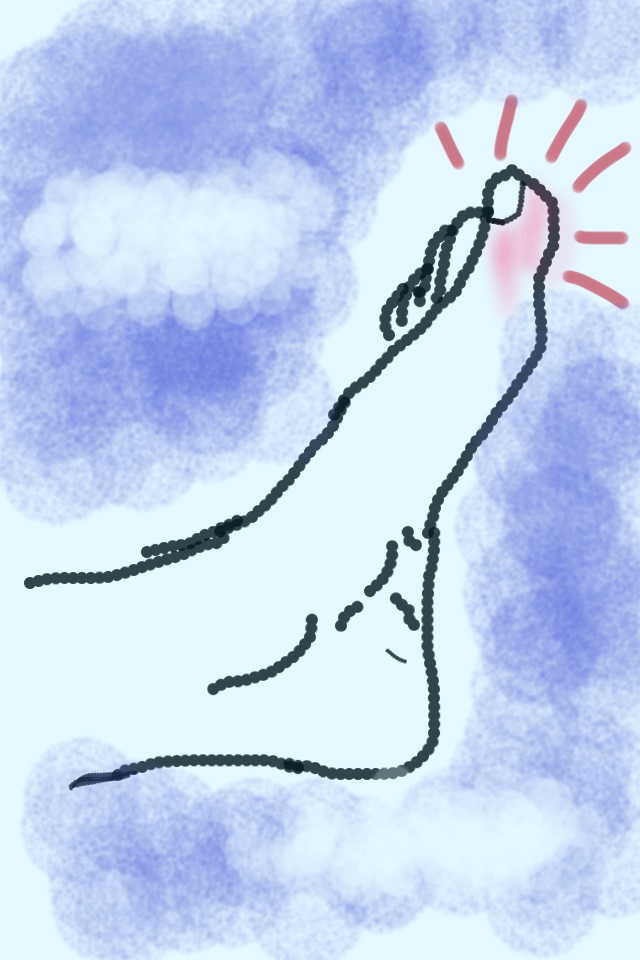
Stuck (stubbed) in an App.
Here are a couple of the “paintings”I tried so unsucessfully to post over the last few days–more examples of iPhone “art”.
What is particularly interesting to an unskilled artist (i.e. me) is the way that one can use the technology of the iPhone and the “Brushes” painting app to compensate for various gaps in training, talent and circumstances. Of course, becoming adept at the technology is itself a skill, but again, the application and equipment allow one latitude for circumvention.
One answer is a kind of “hybrid” art, which takes advantage of what you can do ( i.e. draw on paper or take a photograph) without pushing you too hard into what you can’t (i.e. make complicated figures on a 3.5 inch screen, or take out a full watercolor set in a crowded train car.)
My favorite hybrid method is to make a pencil drawing on paper, photograph it with the iPhone, transfer it to the “Brushes” app, and then embellish/paint in.
Here’s one I did on a train, from initial drawing to “final” Brushes version:

Bare Drawing

One (of a few) Brushes Versions
Another idea is to take an actual photograph, transfer it to the “brushes” app, and draw a little figure inside it. (Yes, I know this is not such a new idea, but it felt revolutionary to me.)
Here was my first elephant in real landscape, an iPhone photograph of ice.

Elephant on Ice
This is kind of a fun technique as you can transfer the “brushes” drawing onto different surfaces, or, for example, different ice:
 Elephant on Different Ice
The possibilities are endless. (Now, if I could just draw something other than elephants….)
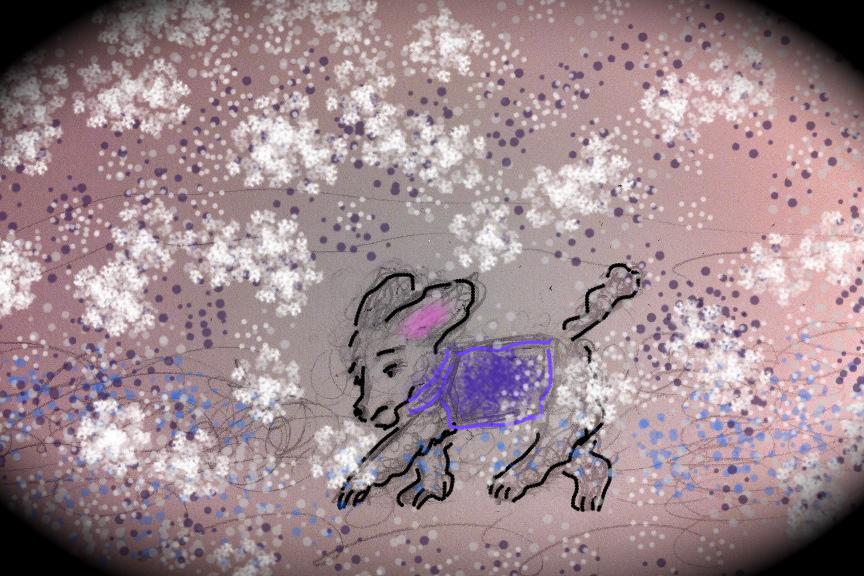
Brrr.....
(More iPhone art. Brrrr….ushes App.)

Give Three Dogs a Bone.
(More iPhone art, using “brushes” app.)
The iPhone is not all things to all people.
While it is purportedly the toy of choice for many (presumably well-to-do) toddlers, it has a pretty steep learning curve for many adults.
That said (along with the disclosure that I hold Apple stock), once you get over some of the initial humps (no finger keys), it can be pretty terrific.
Especially if you are someone who spends a lot of time on computers, because, frankly, the more time you spend on computers, the more that non-computer life can seem obstacle-ridden. (As in, ‘what! I have to look for a stamp?!’)
This is where Apps can be handy. I’ve hardly used Apps, but I tried today a “drawing” App called “Brushes.”
Keeping track of physical art materials in a New York City apartment (without room for studio or even desk) can feel extremely trying. Especially if you are used to having the world at your fingertips (in bed.) This is what attracted me to the idea of computer art.
Sure, it would be better with an iPad. But I only have an iPhone. So, this morning, I made my first little extremely clumsy two inch drawing of an elephant kneeling in front of a fir tree in a Christmas tree stand. It may have worked out better had I read the directions.

(I did not understand "layering".)
The second try:

(I avoided background fill, but the mountains started as Christmas Tree.)
And third.
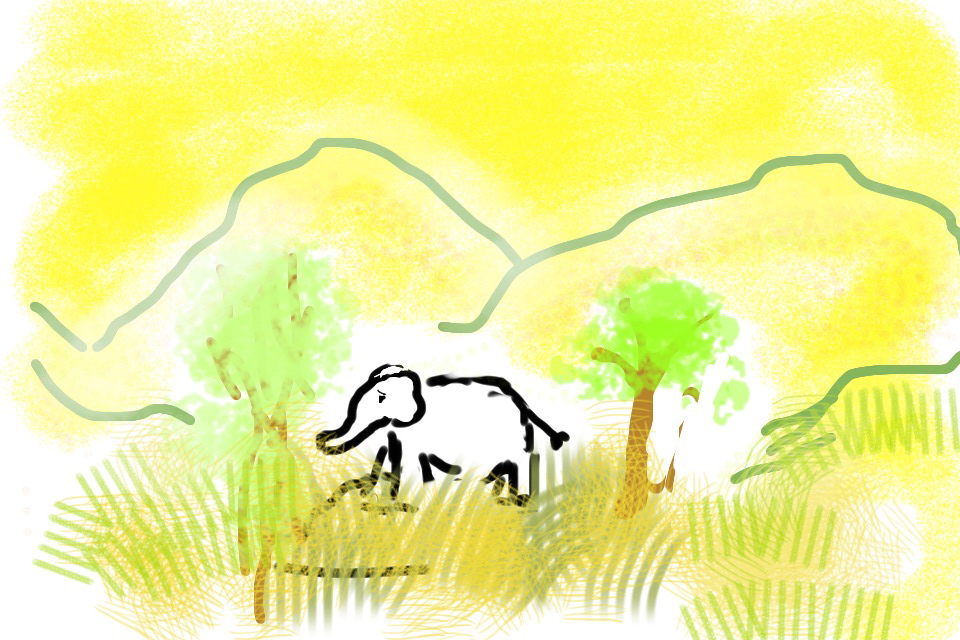
It’s amazing how intriguing it is to manipulate something that is nearly mechanically impossible (i.e. your fingers on a teeny-tiny screen.) It somehow reminds me of Gloucester in King Lear describing how he sees the world – “feelingly.”
But there we are! Or me anyway! Feeling, in limps and bounds, my way.
 ManicDDaily
Recent Comments