
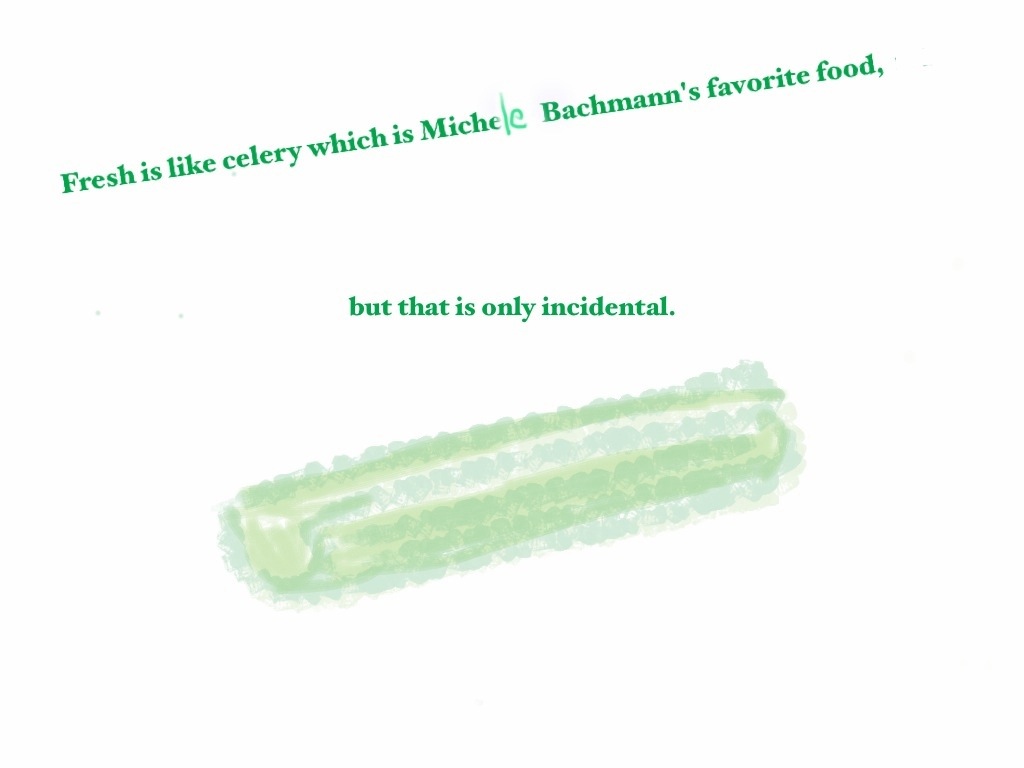


New experiment today: seeing if I can write a poem on the iPad! (And on the train.)
I love writing poetry by hand. But it is interesting to stretch one’s brain, and, frankly, it’s always terrific to write in a way that does not require transcription.
So here’s my attempt. What I was thinking of was another current interest–memorizing poetry. Followers of this blog know that I was very impressed by memory techniques outlined in Joshua Foer’s recent book Moonwalking With Einstein. My own memorization efforts have slackened recently, but the way in which the memorized poems have stayed with me has been kind of interesting. See below.
The Bits I’ve Got By Heart
In my head the women come and go
talking of Michelangelo.
And indeed there will be time, time for
the lines to formulate in the brain,
and when they are formulated, to drop like gentle rain
from a heaven that’s not quite consciousness;
to break, but soft, into a waking dream,
to be each morning morning’s minion,
as my head turns from the pillow,
plucking, before day is quite begun,
the golden apples from what might otherwise be
a simple rag and bone shop–too bland for foul,
scuttled by ragged part-my-hair-behind prosaicness.
Instead, those half-remembered verses,
gleaned from a teeming brain,
roll up into one ball all I ken
of poets’ strength
and sweetness, and the
dancer, who is part dance,
pirouettes, keeping time
with a beat that echoes
on the inside.

End of long hot week. Glad it’s over. I know this picture doesn’t really relate to any of that, but rather my personal fascination with elephants, dogs, and iPad Apps. This one uses Brushes, Sketchbook Pro, and the updated Photogene App, which allows you to make little strokes of light. Above, the strokes are pretty subtle and perhaps not fully carried through. Still, I’m hoping they look like beams from either an opening in the tent, or maybe circus lights (ha!), I’m not sure I’ve succeeded. Interesting tools though. Have a great weekend.

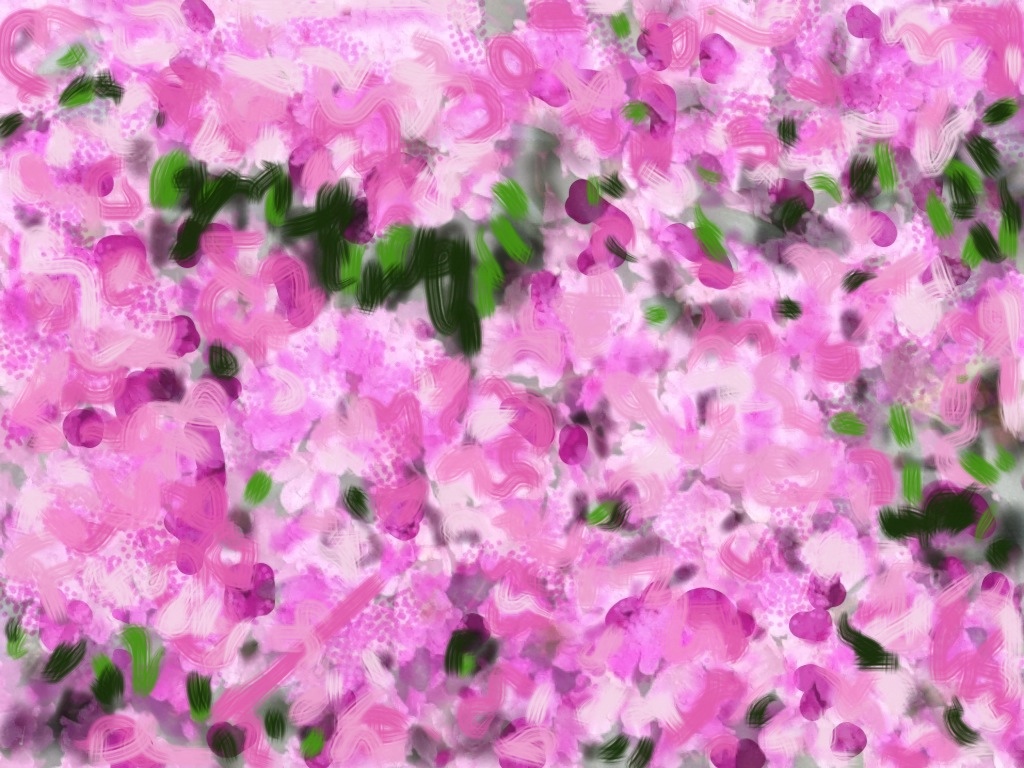
Woke up before 5 this morning, thinking about my sister-in-law’s rhododendrons. Above is my initial photograph of them. Below are a few different iterations of “paintings” that were done on the iPad using a variety of “Apps”, from my old standby Brushes, to Sketchbook Pro, also Photogene (a photography app.) It’s probably more interesting to the person with her finger on the screen (i.e. me) than to a viewer. Still, the variety of possibilities is really pretty amazing.
I find that I can understand how “Brushes” works better, especially in terms of the layering. You can directly manipulate where you want your layer (foreground or background). (This may also be possible with Sketchbook Pro but I certainly can’t figure it out.) Sketchbook Pro, on the other hand, allows you to adjust the transparency of layers. This is quite cool if you want to leave a ghost of a photograph in the picture. The screen also sometimes seems more responsive with Sketchbook Pro. (You can spend several minutes running your finger over the screen in Brushes and then find that, for some reason–perhaps you were moving too fast–very little has actually come out.)
The hardest thing for me, of course, is deciding which iteration I prefer. Here are different combinations of the three Apps. (Photogene also which is often needed to rotate the Brushes images.)




As even non-Apple partisans admit, one of the appealing aspects of having an iPad or iPhone are the Apps.
As an Apple partisan, I freely declare that some Apps are pretty terrific. Some, such as the “Bed Bug App,” that I saw advertised on the NYC subway the other day, don’t seem terribly appealing, but others, like the Brushes App (a finger-painting app), have become tools that I use almost every day.
Lately though, as much as I love the Brushes App, I’ve been a bit curious to branch out.
The good news here is that most Apps are quite inexpensive (much much cheaper than comparable computer software) so you can try different ones without a huge outlay of cash. The bad news is that most of the art Apps I’ve seen do not seem to come with “user manuals.” Rather, they seem rely on either (i) pre-existing computer graphics skill or (ii) a lot of time spent poking at the screen and hoping that something comes out.
I’m not saying that I would actually read through a user manual even if they had one–but some of these painting Apps are extremely complicated and seem, to me at least, much less intuitive than Brushes. So I’ve downloaded a couple, like Art Studio, which look really promising, but which I simply can’t operate.
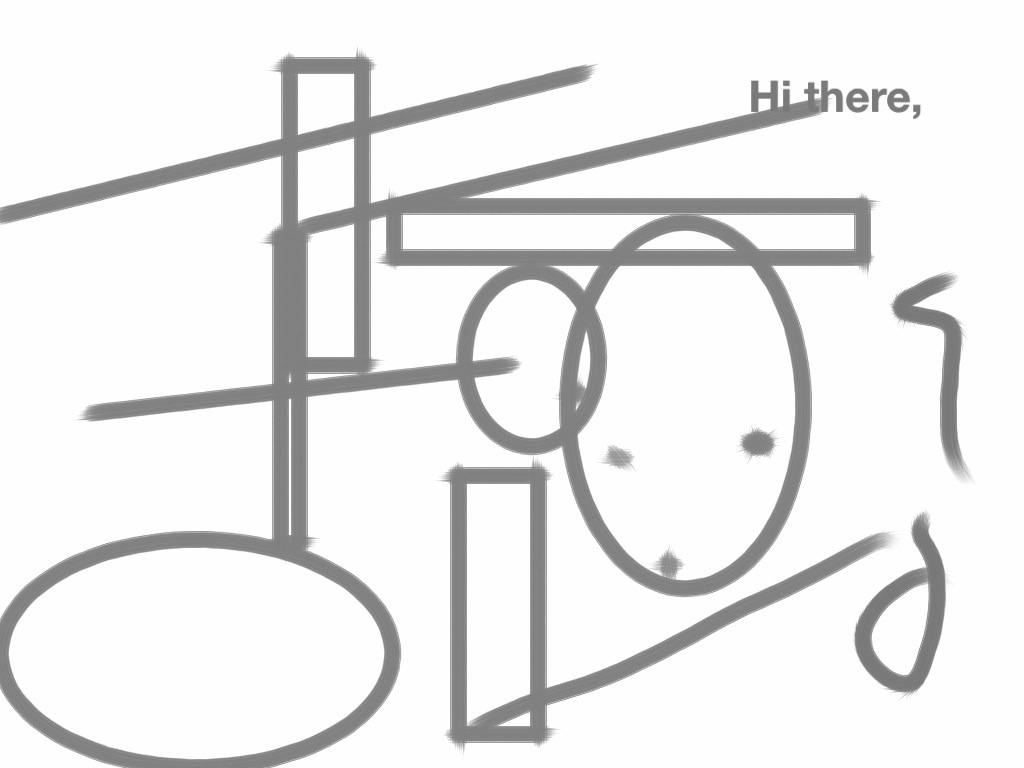
One that has worked better for me is Sketchbook Pro. It seems (so far) a bit more cumbersome than Brushes, but has definitely possibilities. It allows for text (which I do not have the hang of yet–see above), weird geometric templates (below), and (very cool) mirrored effects in drawing. (See the Siamese Elephant.). (I confess to having finished this last one on Brushes, because I couldn’t figure out how to narrow certain strokes–the air brush style–on Sketchbook Pro.)
At any rate, a very new and odd world for a dabbler like me. I encourage others to give it a try.

 ManicDDaily
Recent Comments