Followers of this blog know that I’ve become a little “App-happy” since getting an iPad 2 earlier this year. I openly disclose that a part of my obsession may arise from being an Apple stockholder: I am anxious to believe in the company’s products just so I don’t have to make any decisions about selling the stock.
In my defense, the “Apps” that have been of particular interest to me of late are not Apple products, but they do give the iPad a lot of possibilities.
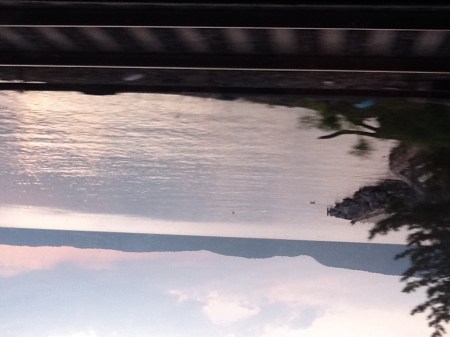
The picture above was a photograph taken from the MetroNorth train going up the Hudson. Admittedly, the camera on the iPad 2 is not great. It’s even worse when used on a moving train, and worse still when used by me. (I’m still not exactly clear where the lens of the camera is located.) Plus the screen is so glossy and my eyes are so bad I can’t always see the image I am shooting. In this case, I didn’t even try. I just stuck the iPad over my head so that I had a hope of not filming the window frame.
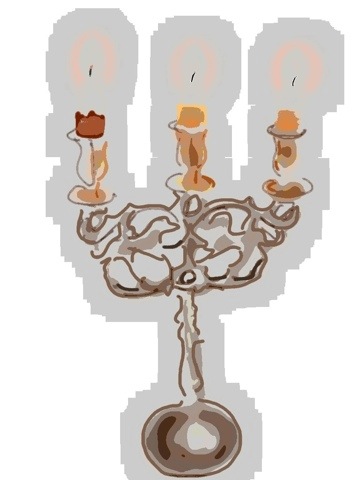
Then I took that image, transferred it to the Brushes App, a finger painting app, and for lack of a better idea, drew an elephant in it. That’s the first picture below. (I was proud of myself for using the eraser function on the app, to make it look like the boat and oar were slightly underwater.)
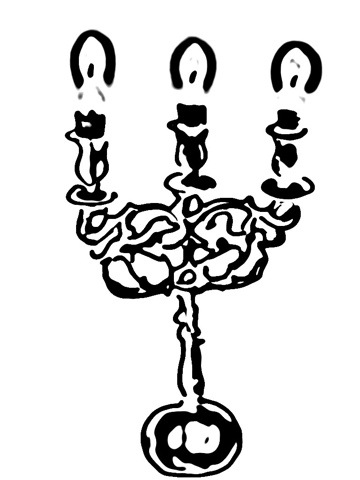
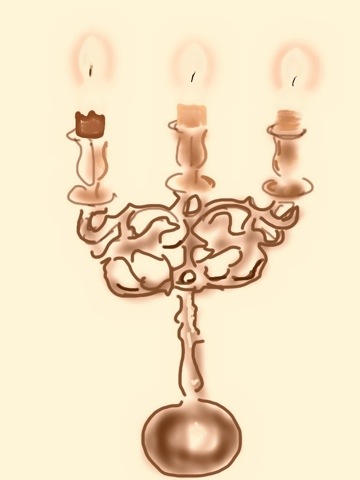
THEN, I moved the painted photograph to the Photogene App to try some of the Photogene filters. Mixtures of finger painting and photograph often have a weird Roger Rabbit aspect especially with an unskilled artist (like myself). But the beauty of the Photogene filters are that you can stylize the entire piece so that the differences between the photo and the finger-painting diminish. The second one below was done with the “Posterize” filter.


Yes, a bit hackneyed. Still, cool!






 ManicDDaily
Recent Comments