Posted tagged ‘Pearl’

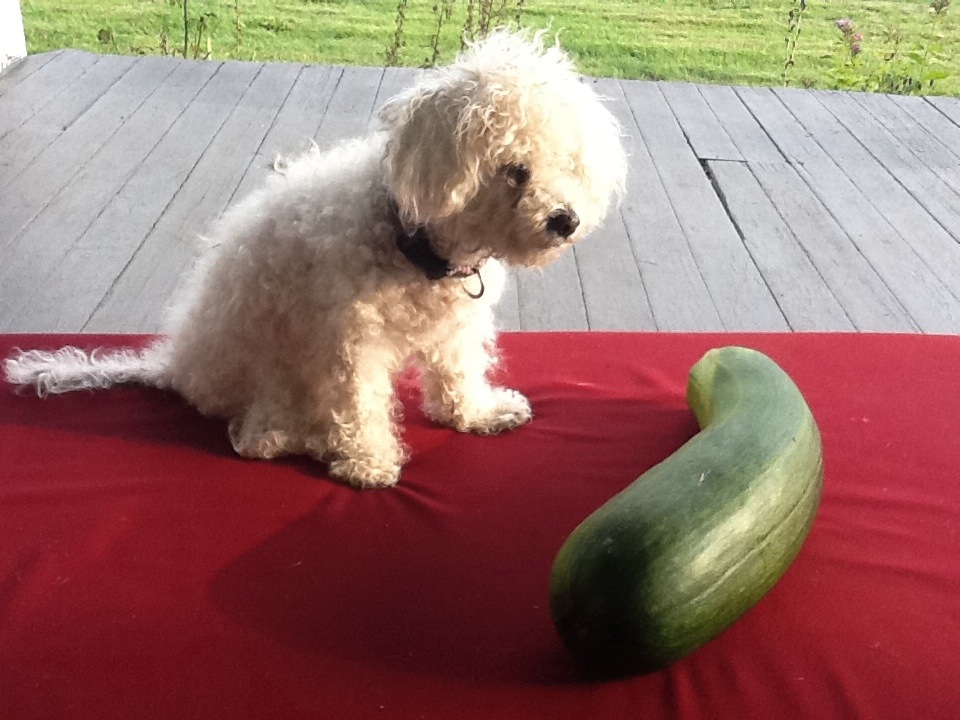
A Small Dog Is To A Large Zucchini

September 2, 2011

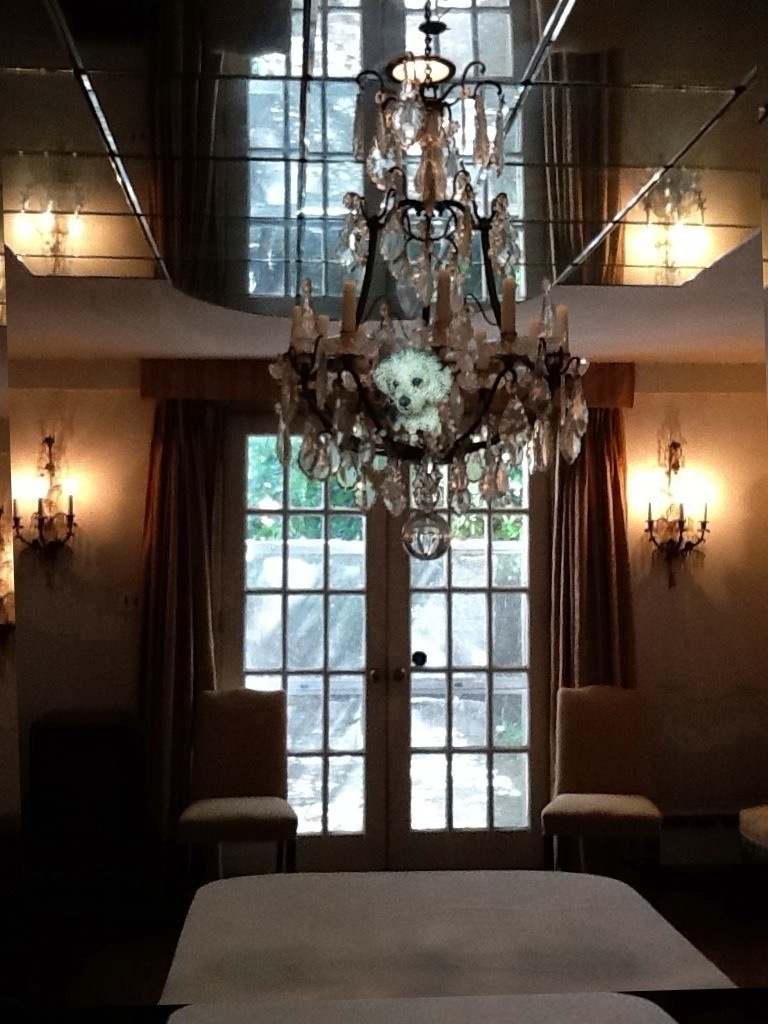
20110902-081617.jpg

A Small Dog Is To A Large Zucchini

A small dog is to a large zucchini
what a bungalow is to a road (six lane),
what a tadpole is to a Peach Bellini
made from a magnum of Champagne,
what a thimble is to a Fred Fellini
and miso soup was to Charlemagne–
the nexus, to some, seems very teeny,
to others, perhaps, it’s simple, plain.
All I know is that my large zucchini
and my small dog just aren’t the same.

(As always, all rights reserved.)

Sentimental heartwarming post (i.e. Canine)

August 22, 2011

20110822-104705.jpg

20110822-104721.jpg

20110822-104743.jpg

Opportunity Knocks (For an Animated Pearl!)

July 21, 2011

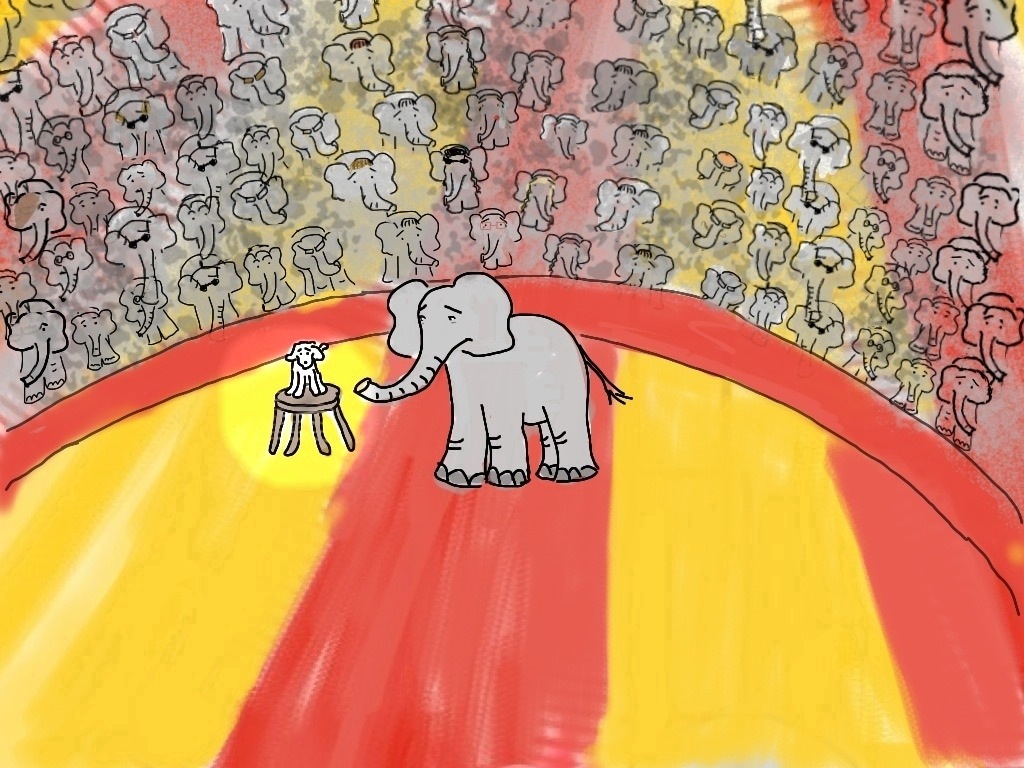
After A Long Summer Weekend (With Elephants)

July 5, 2011

20110705-122132.jpg

Back to the circus….

An Old Dog On An Old Cushion

June 27, 2011

20110627-080816.jpg

Is a contented dog on a flowery bed.

Pearl Moves Up In the World

June 17, 2011

20110617-045905.jpg

“But all the food falls UNDER the table.”

Some of the Nature of iPhone/iPad Addiction

June 6, 2011

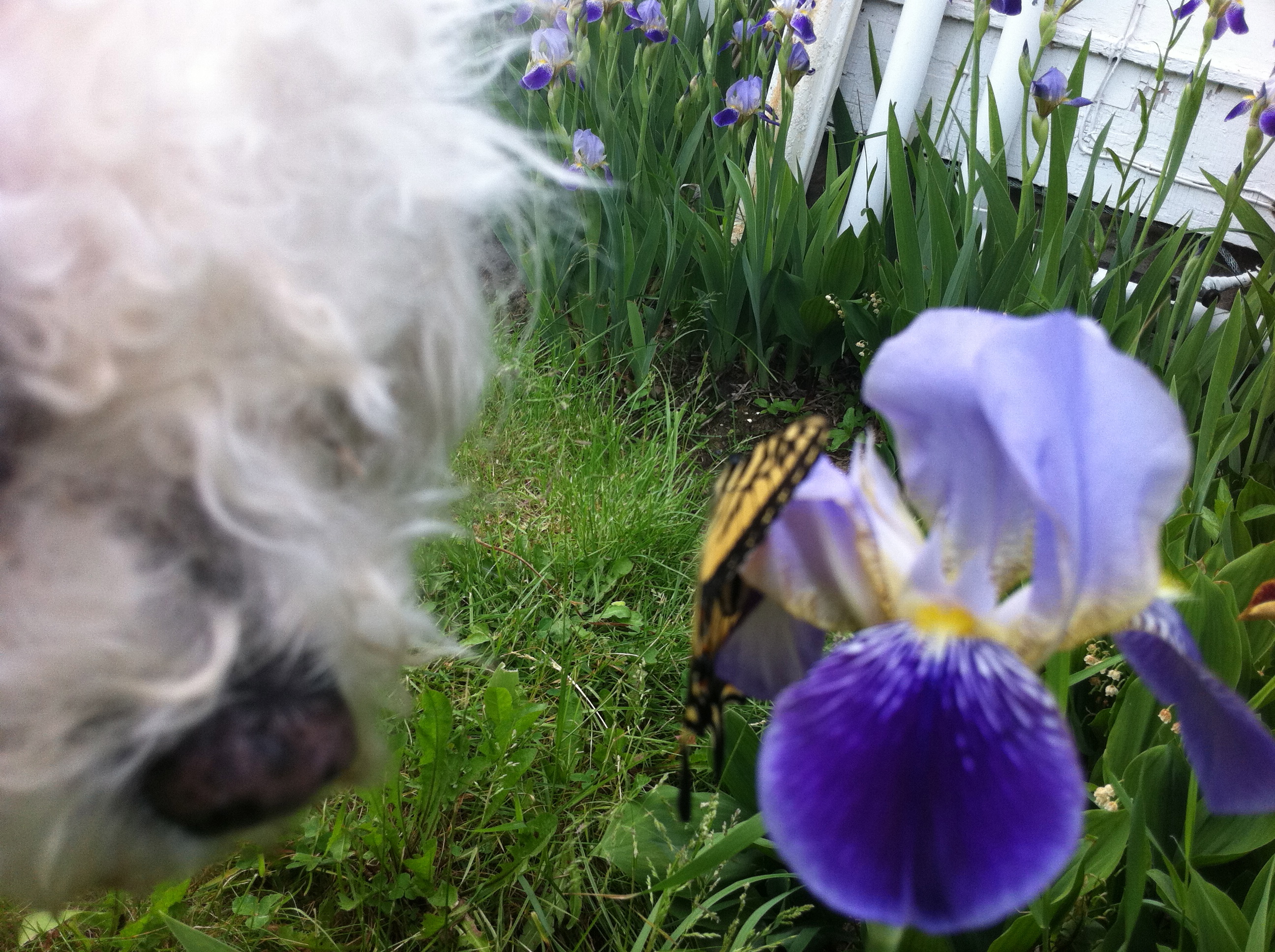
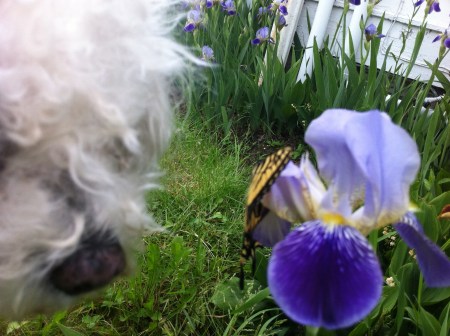
Pearl, Nature, Butterfly, iPhone

Yes, yes, I know it’s undoubtedly a character flaw.  (At least this is the implication in the side-long glances, ahem, glares, I’ve been getting from certain family members.)

And it’s certainly not very zen.

But the fact is that I’m addicted to electronic gadgetry.

Not TV or gameboxes.  (I think I may be combining X-boxes and gameboys there).  The communicating kinds–the ones that you mis-type little messages on.

Sometimes, I really do make do with an old-fashioned composition book, but I also have been carrying my iPhone or iPad around with me a lot these days, even on little hikes in the country (where I am staying right now.)

It’s terrible.  I know that when I am taking these walks, I should probably just be  in nature.

But electronic gadgets feed something very ravenous in the ManicD personality.

The obvious: a hunger for words–our own, those of others.

Even more important, a need for purpose, possibility.  When you carry around an electronic device, you know that at any moment you can start and perhaps even complete some not-yet imagined task.  It may also be a completely imaginary task–did you really need to respond to that email just when you were passing that small waterfall–still, having that warm little radioactive slab on your person can grant some palpable glow of self-importance.

I’m thankfully moving a bit beyond this aspect of the gadgetry.  Using the device to ensure non-stop availability can soon make you feel more harried than efficient.  (I also don’t have very good reception here.)

Did you know, however, that you can download and carry around a poem on the screen of your iPhone or iPad, which will show up even when you have no service, and that then you can look down every few moments during your walk and memorize it?

Okay okay.  Some of you may not have taken a vow to do anything (other than giving up wine at dinner) to salvage your remaining brain cells.  Some of you (i.e. my husband) may not think that repeated glances at an electronic screen and mumbling even deeply poetic lines promote the contemplation of nature.

So, how about using your phone or tablet for photography?  You are required, after all, to stop and look at what you photograph.

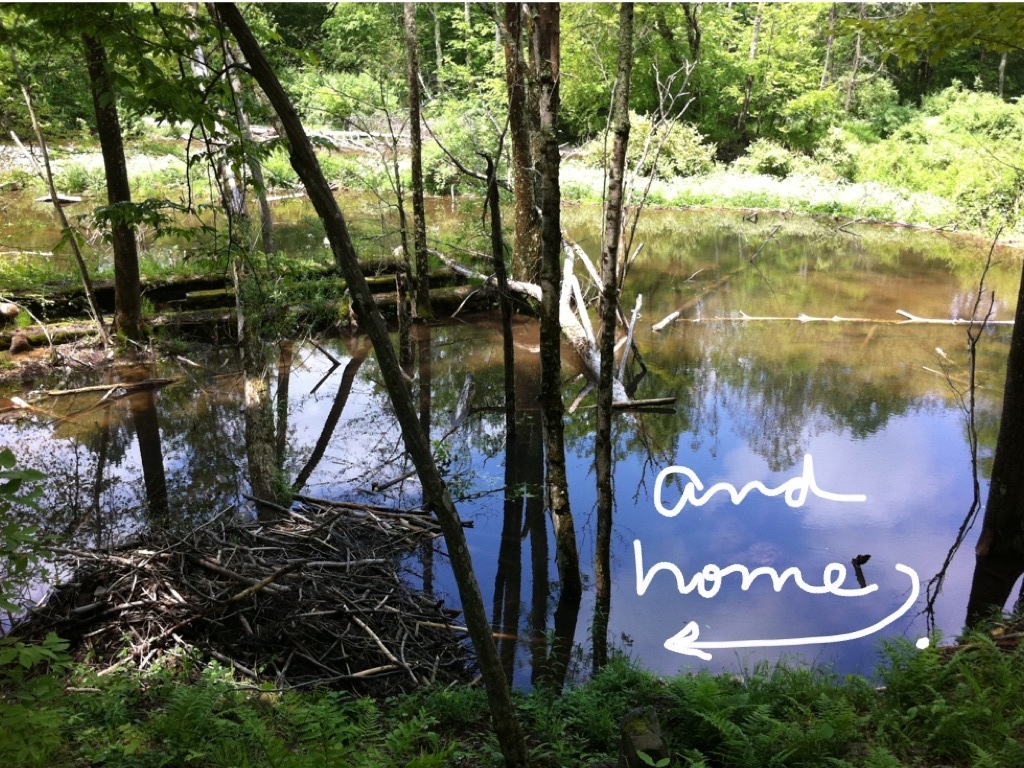
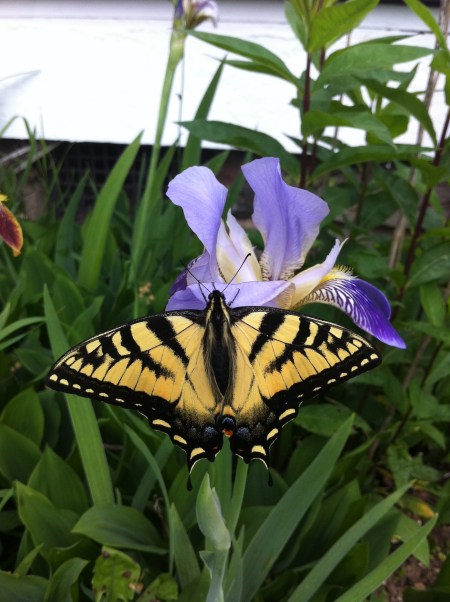
Yesterday, for example, Pearl and I and iPhone spent a fair amount of time on butterflies, beavers, water, stones.  Some internal quiet did, eventually, ensue, despite the device in hand, the repeating rhymes in the head.

The family members also forgave us.
Finishing Manuscript/Formatting/Pains of Self-Publishing/Pearl Gets Bored

June 5, 2011

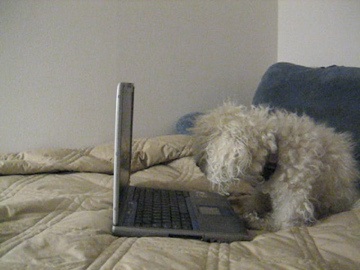
Pearl Doesn't Really Like Formatting Either

I trying today to finish a novel.  Unfortunately, I am not working on the fun part of finishing a novel–i.e. coming up with the last sentence and going “ah” at the end.

No, I’m in the ‘trying to fix all the formatting’ stage of finishing a novel.  This stage has a lot more ‘dammits” than ‘ahs.’

I like to think that my curses are directed at glitches in computer software, but the fact is that most of the glitches are being made by me personally; that is me pressing the wrong key and suddenly undoing everything I’ve done in the previous five minutes.

These glitches bring me to the wonders and head-aches of self-publishing.

I am planning to self-publish this novel.  I will use my own little publishing company, BackStroke Books.  (Yes, it even has a fledgling website–http://backstrokebooks.com/.)

The novel will be called Nose Dive.  It may not be a great novel, but it’s pretty good–funny, cute, readable.  And it will  have some really great illustrations, done by a fledgling but wonderful illustrator, named Jonathan Segal.

Now, I could (and should) send the novel around and around to independent agents and publishers instead of publishing it through BackStroke Books.

The problem is that route just feels impossible these days.  Especially for a funny, cute, readable–but possibly not absolutely great  or super-commercial–novel that is written by someone (i.e. me,) who is not a film star, fashion model, or reality show denizen, who does not have a billionaire politician father, and who has not been able to fabricate a history of drug addiction.

The up-side of self-publishing is that there is something very satisfying about ‘taking the bull by the horns,’ ‘not waiting for the machine,’ ‘plowing ahead.’

The bad side is, well… true publishers have distribution networks, publicity people, etc. etc.  And, of course, staff that know about formatting.

I have, thankfully, managed to commandeer some extremely good help in the copy-editing area.  But, still, I have to be somewhat involved, especially at this hopefully near-final stage.   (Dammit.)

Chore At End Of Three Day Weekend

May 30, 2011

20110530-061306.jpg

20110530-061354.jpg

20110530-061454.jpg

20110530-061548.jpg

20110530-061747.jpg

20110530-061842.jpg

Pearl Finds Herself in The Brushes App

May 28, 2011

href=”https://manicddaily.com/wp-content/uploads/2011/05/20110528-052729.jpg”>20110528-052729.jpg

Today, I am making a brief foray into “how-to” blogging.

I am a great devotee of the “Brushes” app for the iPhone and iPad. The “Brushes” app is a painting program; because it is devised for the iPad and iPhone it is actually a finger-painting program.

You might think that painting with one’s finger is clumsy–and certainly, it is much easier for many (including myself) to draw with a stylus. But the Brushes program is designed with an array of possibilities allowing for a great deal of fascination, if not always finesse.(If you get really good with it, like artist David Hockney) subtlety and finesse are possible too.)

The tricks are (i) stroke styles; and (ii) layers. The program allows for a large array of specific brush stroke styles that can be varied by spacing and size. This allows for automatic flowers or splotches, very fine or thick lines, various levels of translucence, lines of little blocks or circles or grasses or even fur. These same strokes can be applied to the eraser, allowing for lots of options there as well.

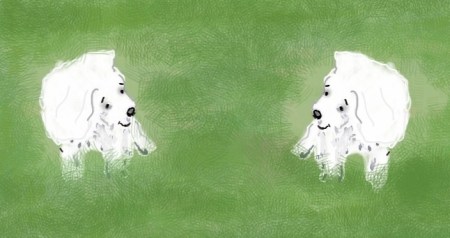
The true magic comes with layering though, and this takes some learning. Up to six layers are allowed in the iPad app. These can simply be used to allow for layers of detail, background, foreground. (The backdrop of solid green, for example, or the grass that goes behind the dogs.)

Layers can also be used in more elaborate ways. A photograph can be layered in to your painting, as a template. You can outline the photograph on a different layer, and then trash the photograph itself. Similarly, the iPad Brushes App (as opposed to the iPhone app) allows for the copying and transposition of layers. A layer showing one little dog can be imposed and rotated on top of another little dog, for example, or a bunch of little dogs. (I used this for my tangoing elephants a week or so back.)

Here your eraser feature can be your friend. My initial dog, above, was drawn in a few different layers, to allow the features–eyes, nose–to be on top of the fur. In order to repeat the dog without using more than six layers, I converted it to a finished image (like a photo), which I then transposed onto a duplicate painting. A photo is not a transparent layer, so I had to erase all the grass and background on the second dog to allow it to fit into the first painting without blocking it. This can be a little laborious, but the technology somehow makes it feel more interesting than drawing a whole new dog or bunch of dogs.

(Apologies, this post was first uploaded in blank.)

20110528-052441.jpg

<a