
As even non-Apple partisans admit, one of the appealing aspects of having an iPad or iPhone are the Apps.
As an Apple partisan, I freely declare that some Apps are pretty terrific. Some, such as the “Bed Bug App,” that I saw advertised on the NYC subway the other day, don’t seem terribly appealing, but others, like the Brushes App (a finger-painting app), have become tools that I use almost every day.
Lately though, as much as I love the Brushes App, I’ve been a bit curious to branch out.
The good news here is that most Apps are quite inexpensive (much much cheaper than comparable computer software) so you can try different ones without a huge outlay of cash. The bad news is that most of the art Apps I’ve seen do not seem to come with “user manuals.” Rather, they seem rely on either (i) pre-existing computer graphics skill or (ii) a lot of time spent poking at the screen and hoping that something comes out.
I’m not saying that I would actually read through a user manual even if they had one–but some of these painting Apps are extremely complicated and seem, to me at least, much less intuitive than Brushes. So I’ve downloaded a couple, like Art Studio, which look really promising, but which I simply can’t operate.
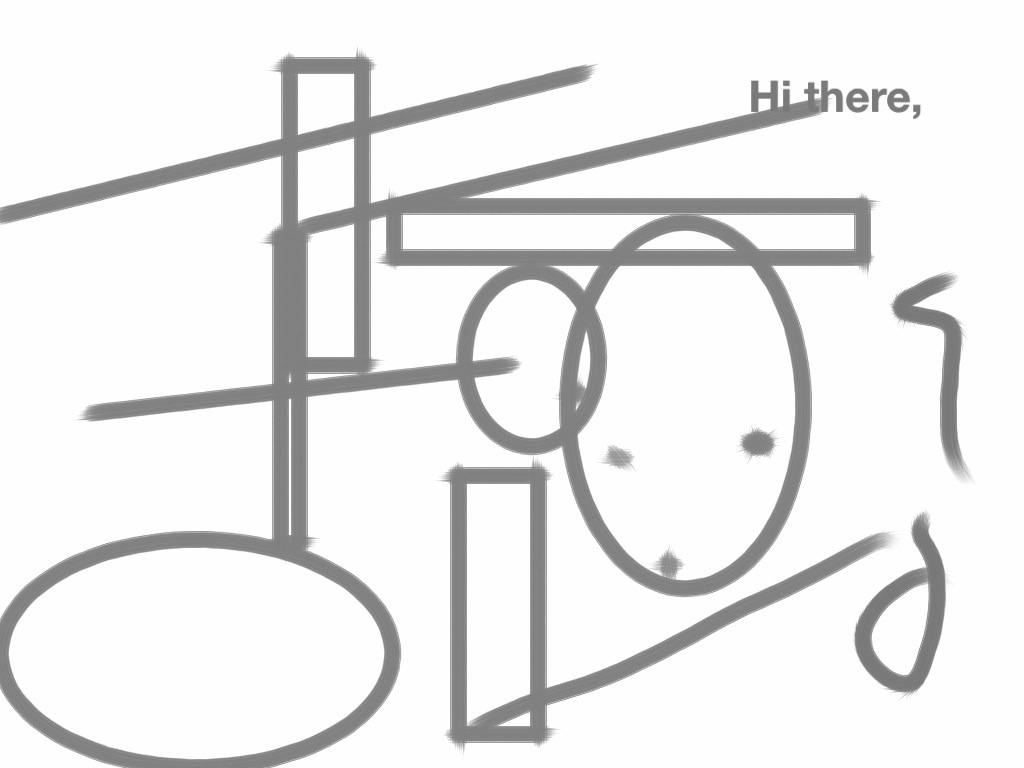
One that has worked better for me is Sketchbook Pro. It seems (so far) a bit more cumbersome than Brushes, but has definitely possibilities. It allows for text (which I do not have the hang of yet–see above), weird geometric templates (below), and (very cool) mirrored effects in drawing. (See the Siamese Elephant.). (I confess to having finished this last one on Brushes, because I couldn’t figure out how to narrow certain strokes–the air brush style–on Sketchbook Pro.)
At any rate, a very new and odd world for a dabbler like me. I encourage others to give it a try.

 ManicDDaily
Recent Comments