Posted tagged ‘Apple’

Dabbling in Painting Apps

June 4, 2011

20110604-062548.jpg

As even non-Apple partisans admit, one of the appealing aspects of having an iPad or iPhone are the Apps.

As an Apple partisan, I freely declare that some Apps are pretty terrific. Some, such as the “Bed Bug App,” that I saw advertised on the NYC subway the other day, don’t seem terribly appealing, but others, like the Brushes App (a finger-painting app), have become tools that I use almost every day.

Lately though, as much as I love the Brushes App, I’ve been a bit curious to branch out.

The good news here is that most Apps are quite inexpensive (much much cheaper than comparable computer software) so you can try different ones without a huge outlay of cash. The bad news is that most of the art Apps I’ve seen do not seem to come with “user manuals.” Rather, they seem rely on either (i) pre-existing computer graphics skill or (ii) a lot of time spent poking at the screen and hoping that something comes out.

I’m not saying that I would actually read through a user manual even if they had one–but some of these painting Apps are extremely complicated and seem, to me at least, much less intuitive than Brushes. So I’ve downloaded a couple, like Art Studio, which look really promising, but which I simply can’t operate.

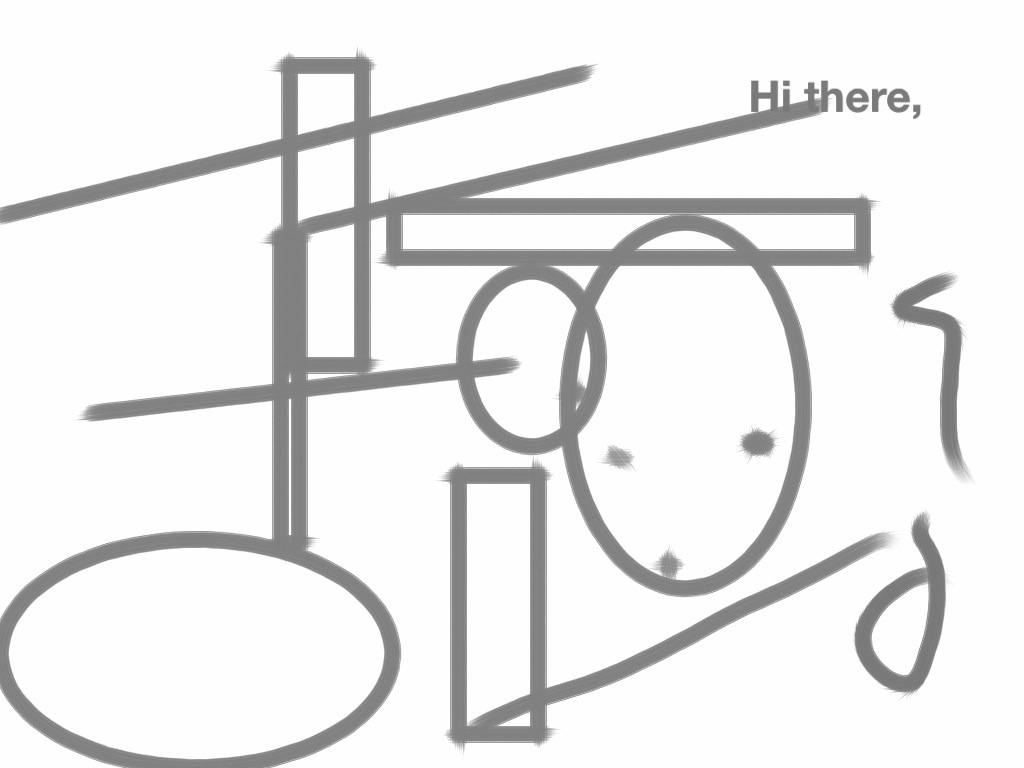
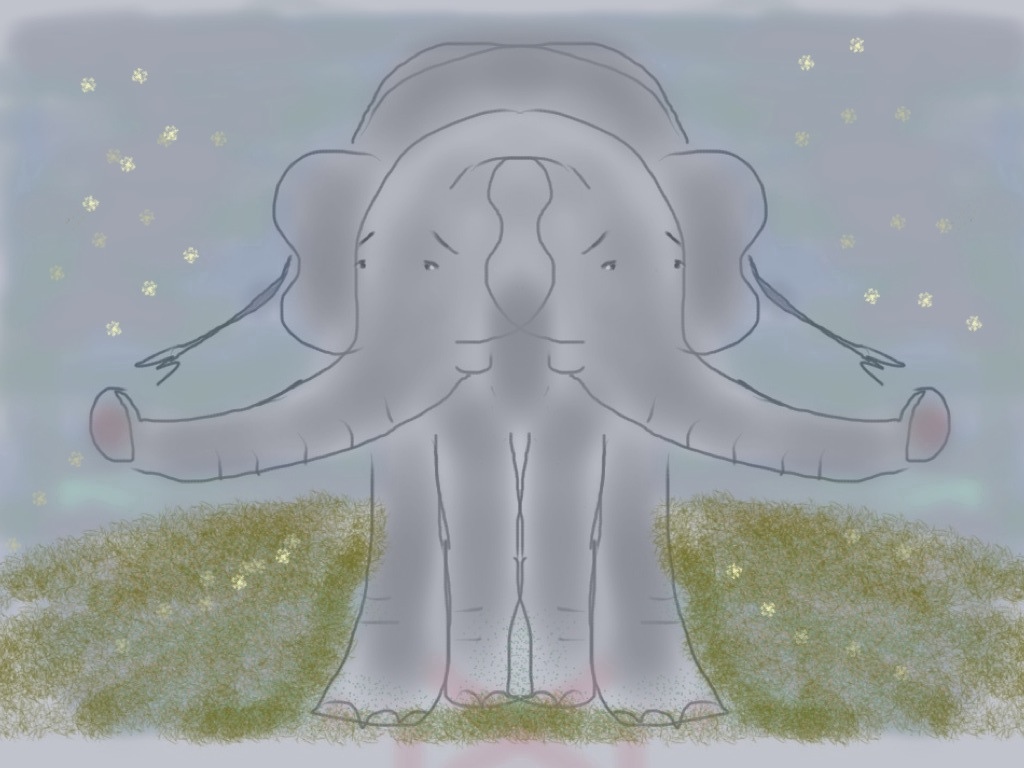
One that has worked better for me is Sketchbook Pro. It seems (so far) a bit more cumbersome than Brushes, but has definitely possibilities. It allows for text (which I do not have the hang of yet–see above), weird geometric templates (below), and (very cool) mirrored effects in drawing. (See the Siamese Elephant.). (I confess to having finished this last one on Brushes, because I couldn’t figure out how to narrow certain strokes–the air brush style–on Sketchbook Pro.)

At any rate, a very new and odd world for a dabbler like me. I encourage others to give it a try.
20110604-062652.jpg

20110604-062740.jpg

Merry Lame Duck Christmas?

December 24, 2010

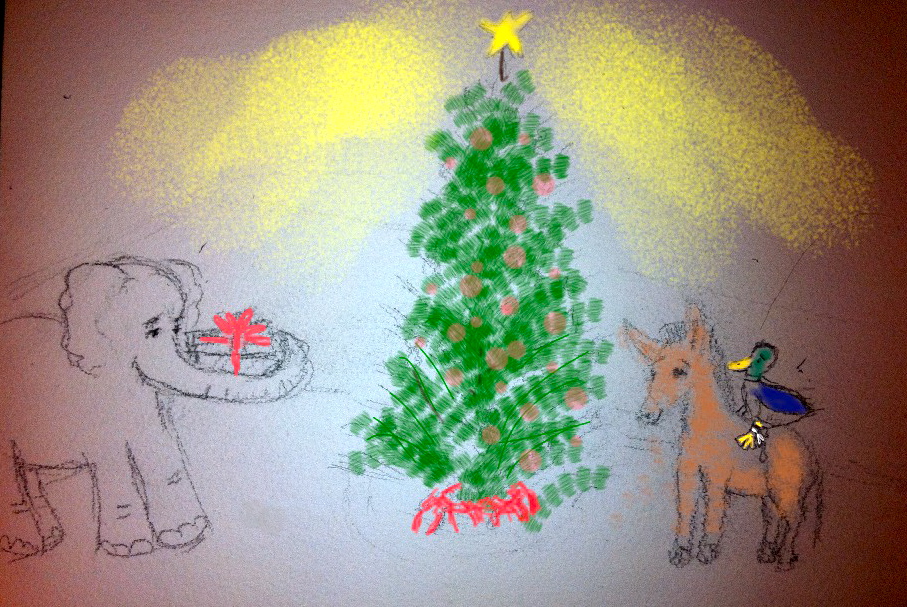
Merry (Lame Duck) Christmas

More iPhone art, new techniques.  (You know, you can start with something called a “pencil”–works pretty well.)

I’m not sure the allegory is correct, as I started this just drawing elephant and donkey because I like drawing elephants and donkeys.  The implications were then pointed out to me, so added the duck.

Merry enough!

“Brushes” With iPhone – Feeling my Way into Apps

December 22, 2010

The iPhone is not all things to all people.

While it is purportedly the toy of choice for many (presumably well-to-do) toddlers, it has a pretty steep learning curve for many adults.

That said (along with the disclosure that I hold Apple stock),  once you get over some of the initial humps (no finger keys), it can be pretty terrific.

Especially if you are someone who spends a lot of time on computers, because, frankly, the more time you spend on computers, the more that non-computer life can seem obstacle-ridden.   (As in, ‘what! I have to look for a stamp?!’)

This is where Apps can be handy.  I’ve hardly used Apps, but I tried today a “drawing” App called “Brushes.”

Keeping track of physical art materials in a New York City apartment (without room for studio or even desk) can feel extremely trying.   Especially if you are used to having the world at your fingertips (in bed.)   This is what attracted me to the idea of computer art.

Sure, it would be better with an iPad.  But I only have an iPhone.  So, this morning, I made my first little extremely clumsy two inch drawing of an elephant kneeling in front of a fir tree in a Christmas tree stand.  It may have worked out better had I read the directions.

(I did not understand "layering".)

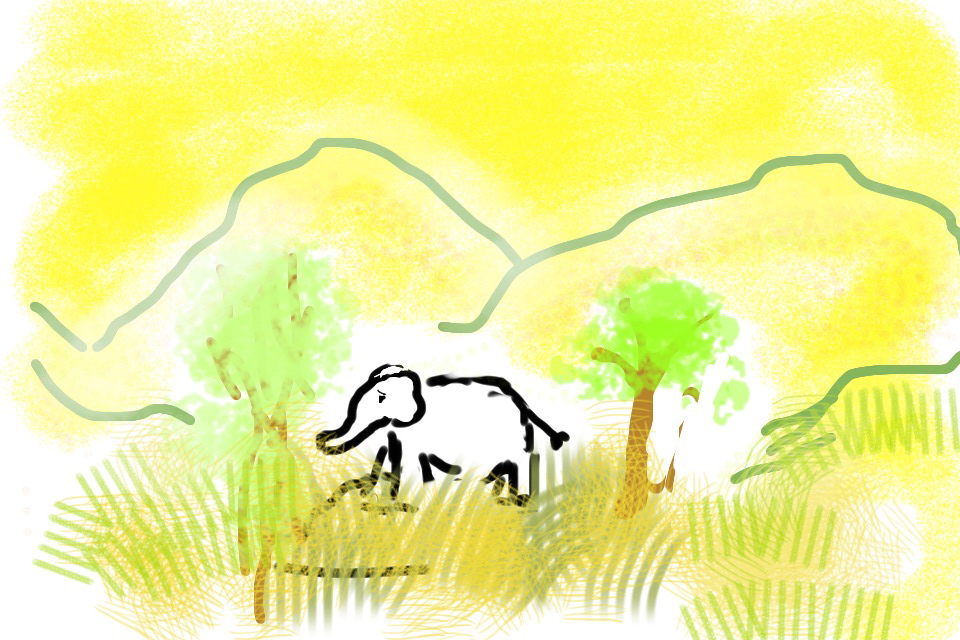
The second try:

(I avoided background fill, but the mountains started as Christmas Tree.)

And third.

It’s amazing how intriguing it is to manipulate something that is nearly mechanically impossible (i.e. your fingers on a teeny-tiny screen.)  It somehow reminds me of Gloucester in King Lear describing how he sees the world – “feelingly.”

But there we are!  Or me anyway!  Feeling, in limps and bounds, my way.