IPad Art, Brushes App, Photogene, Lots of Options – Elephant/Pony Show

If you like to play at art-making, as I do, the iPad offers lots and lots of ways of wasting time.
There are many art apps. The one I know is the Brushes App (also used with great success by David Hockney.) My lack of knowledge of all the intricacies of the App also requires me to combine it with a great photo App called Photogene, which includes editing, framing, and filtering tools.
One of the big keys to using the Brushes App is the use of layers, which allows you to change backgrounds and foregrounds and details. The iPad Brushes App allows for at least six of these; they can be deleted, added, put in front or behind one another, allowing for a lot of change and adaptation.
Photogene has these wonderful filters which allow you to completely change the highlighting and coloring of a drawing.
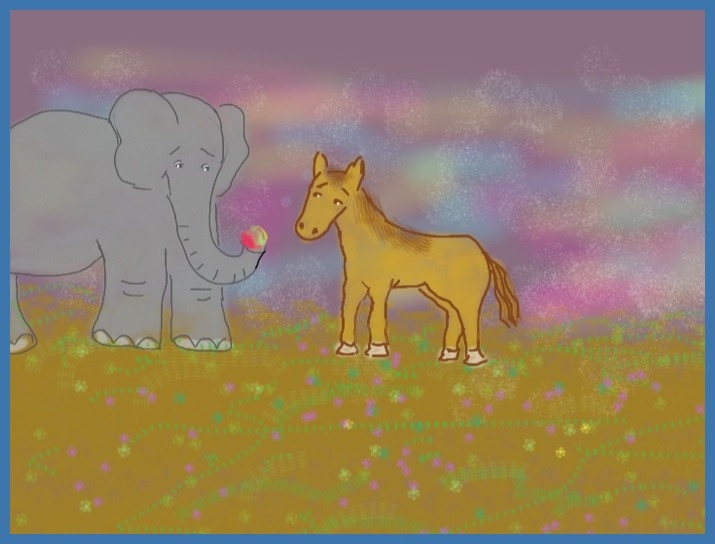
At any rate, some variations below:


Tags: Brushes App, Filters in Photogene, iPad apps, iPad art, Karin Gustafson, manicddaily, Photogene App, using layers in Brushes App, variations of iPad drawing
You can comment below, or link to this permanent URL from your own site. ManicDDaily
I'd love to hear from you!