“Brushes” With iPhone – Feeling my Way into Apps
The iPhone is not all things to all people.
While it is purportedly the toy of choice for many (presumably well-to-do) toddlers, it has a pretty steep learning curve for many adults.
That said (along with the disclosure that I hold Apple stock), once you get over some of the initial humps (no finger keys), it can be pretty terrific.
Especially if you are someone who spends a lot of time on computers, because, frankly, the more time you spend on computers, the more that non-computer life can seem obstacle-ridden. (As in, ‘what! I have to look for a stamp?!’)
This is where Apps can be handy. I’ve hardly used Apps, but I tried today a “drawing” App called “Brushes.”
Keeping track of physical art materials in a New York City apartment (without room for studio or even desk) can feel extremely trying. Especially if you are used to having the world at your fingertips (in bed.) This is what attracted me to the idea of computer art.
Sure, it would be better with an iPad. But I only have an iPhone. So, this morning, I made my first little extremely clumsy two inch drawing of an elephant kneeling in front of a fir tree in a Christmas tree stand. It may have worked out better had I read the directions.

(I did not understand "layering".)
The second try:

(I avoided background fill, but the mountains started as Christmas Tree.)
And third.
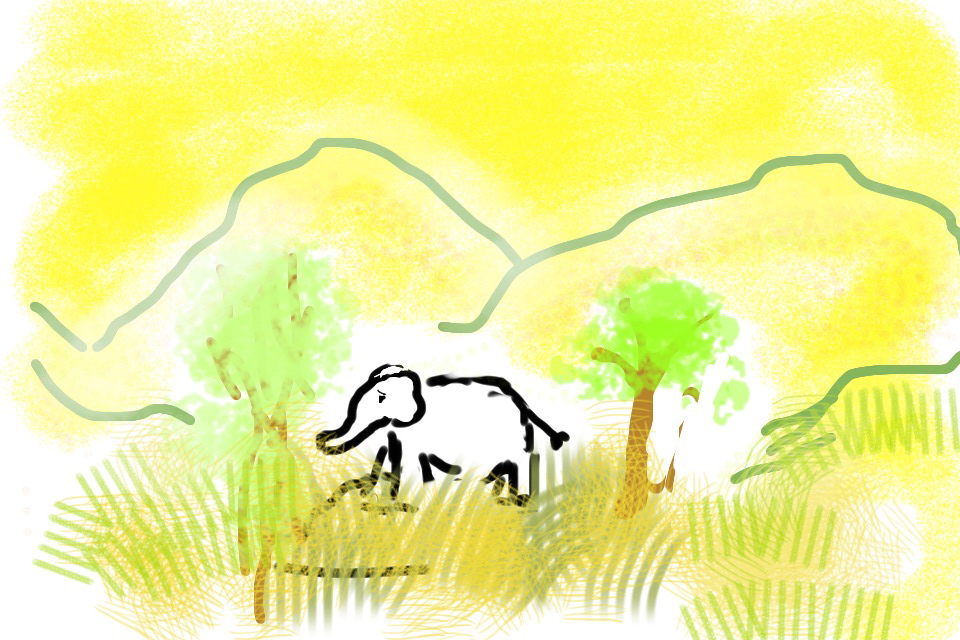
It’s amazing how intriguing it is to manipulate something that is nearly mechanically impossible (i.e. your fingers on a teeny-tiny screen.) It somehow reminds me of Gloucester in King Lear describing how he sees the world – “feelingly.”
But there we are! Or me anyway! Feeling, in limps and bounds, my way.
Explore posts in the same categories: elephants, UncategorizedTags: Apple, Brushes App, iPhone, iPhone art, learning how to draw on iPhone, making art in virtual world, manicddaily, Manicddaily elephants made on iPhone, virtual world
You can comment below, or link to this permanent URL from your own site. ManicDDaily
I'd love to hear from you!